

描述
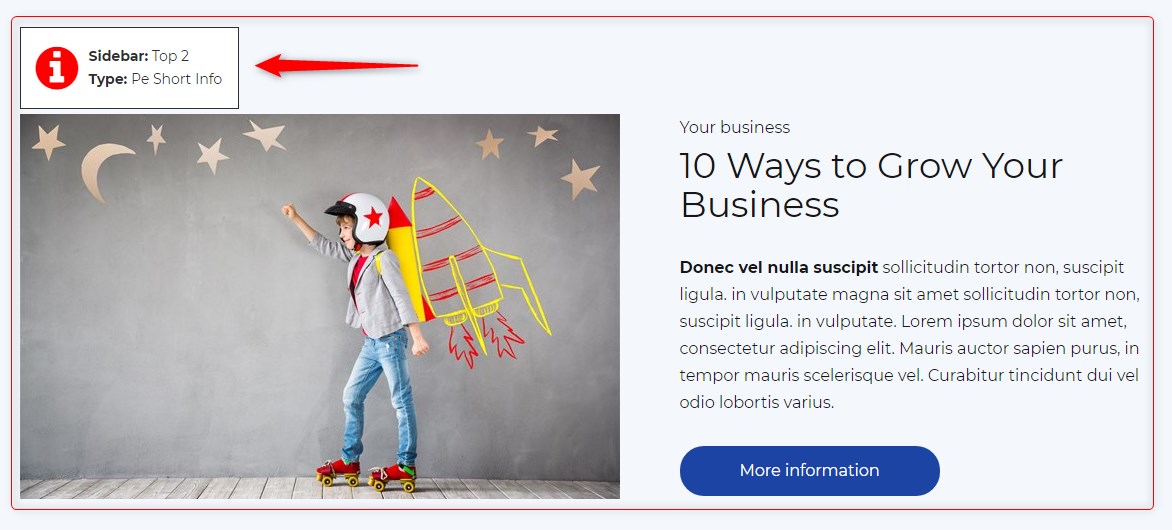
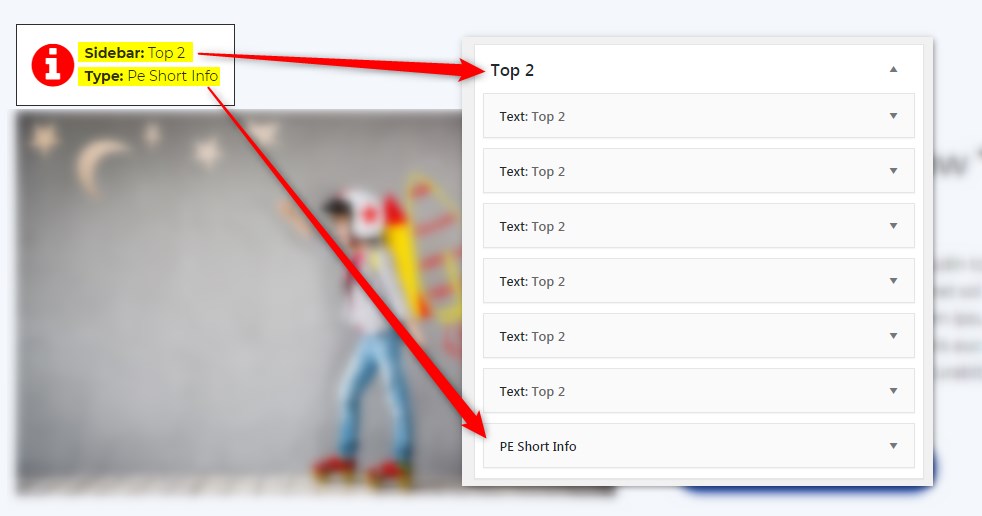
Get info about visible sidebars and widgets types and easily find them in the dashboard in Appearance -> Widgets
屏幕截图
安装
- In your admin panel, go to Plugins -> Add New and click the Upload Plugin button.
- Click Choose File, then select the plugin ZIP file. Click Install Now.
- Click Activate to activate the plugin.
评价
此插件暂无评价。
贡献者及开发者
「PE Theme Elements Info – get info about sidebars and widgets types」是开源软件。 以下人员对此插件做出了贡献。
贡献者
更新日志
1.10
- Added information about menus
- Fixed possible incorrect widget names in sidebars
- By default information about widgets or menus on the page will be displayed only for logged-in administrators