

描述
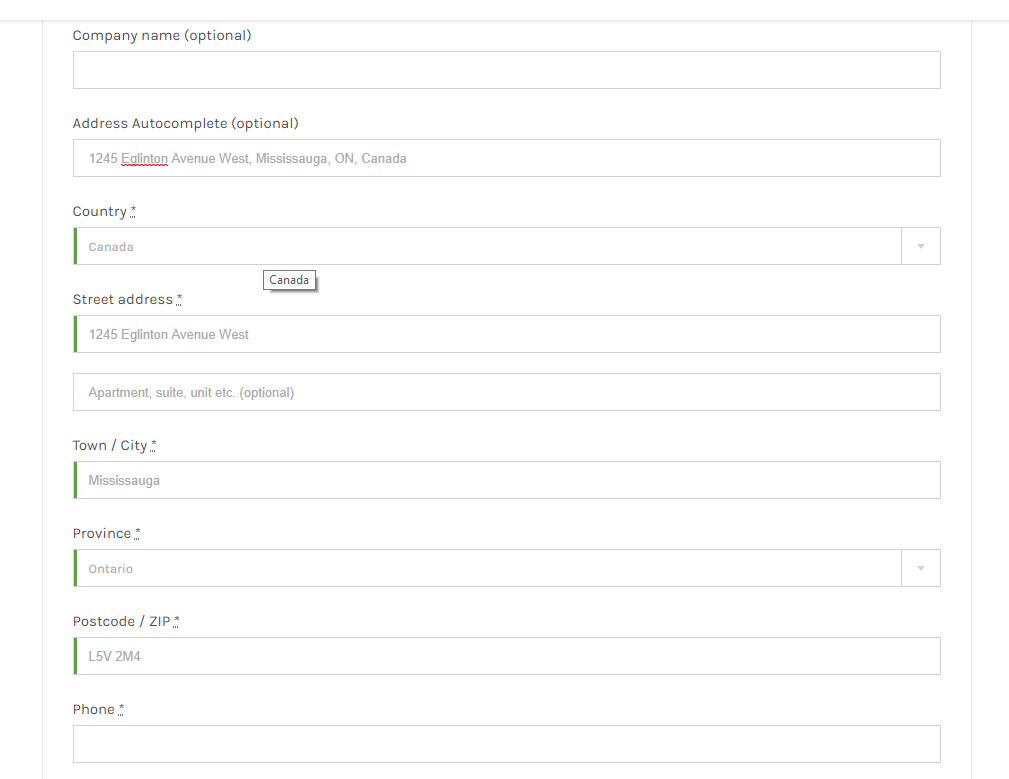
- Address Suggestions on checkout page.
- Automatically fills address related fileds when user select address.
- add specific countries.
- Suggest Address.
屏幕截图


安装
To install EP Woocommerce Checkout Address AutoComplete, follow these steps:
Download and unzip the plugin
Upload ep-address-autocomplete-woocommerce to the /wp-content/plugins/ directory.
Activate the plugin through the ‘Plugins’ menu in WordPress
After installing the plugin you will see a new menu under Woocommerce called “Ep Autocomplete”. Add Google Api Key in the field and hit “Save Changes” and you all set up.


贡献者及开发者

更新日志
1.0 – Initial Release
1.1 – Add country selection and restriction option