

描述
Border image generator allows programmers and developers to draw an image on the borders of an element.
It provides room for efficient and perfect design.
It is very complex to do it by yourself, you need this generator to assist you and it is a bit frustrating to properly take by hand. Though it is tricky, it allows users to create flexible borders with a single image and single div.
FUNCTIONS
- Super easy to use
- Use the border image generator to create a shortcode that you can use to wrap the content you want to be bordered with an image
- The generator will allow you to upload any image to be used to make you content border fantastic
- You can then use the shortcode generated everywhere in your site, in standard and Gutenberg editor.
屏幕截图
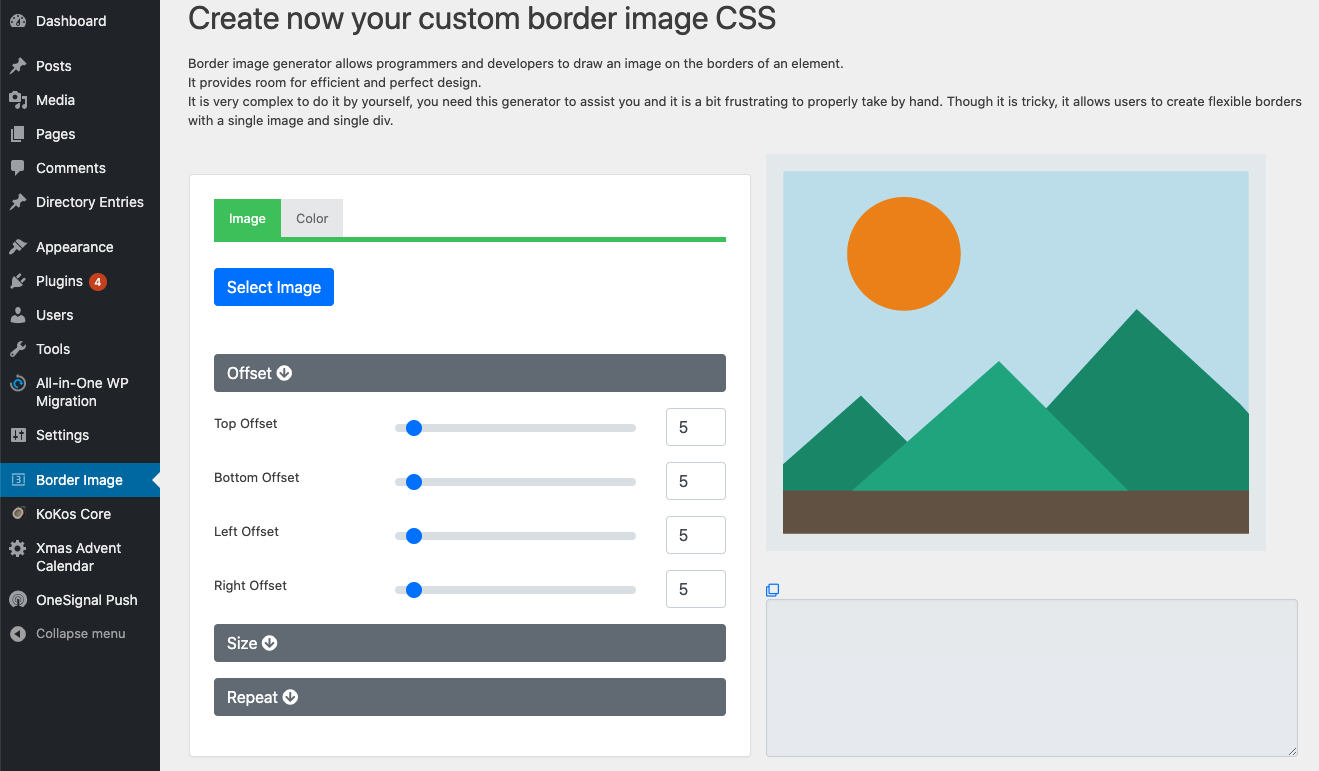
screenshot-1.jpg – Access the border image generator from the menu item on the left menu 
screenshot-2.jpg – Select the image and all the necessary parameter to best fit your design 
screenshot-3.jpg – Using the shortcode generated you can wrap any content in a border-image box 
screenshot-4.jpg – The shortcode generated can be used in standard editor and Gutenber editor
安装
-
Select ‘Add new’ in the ‘Plugins’ menu to find and install the latest Blog clock plugin version.
-
Activate the plugin.
-
Generate your shortcode from the Border Image menu item on the left menu
常见问题
-
Can I use png images
-
Yes.
-
Can I set border properties like width and offsets?
-
Yes, you can set all the needed border parameters
-
Does this plugin support Gutenberg editor?
-
Yes, you can place the shortcode in all the different editors and page builder as long as they support shortcodes
评价

