

描述
This plugin allows you to send messages from Contact Form 7 submissions to Google Chat.
How to find Google Chat Webhook
- Google Chat webhooks are available only if you use google workspace
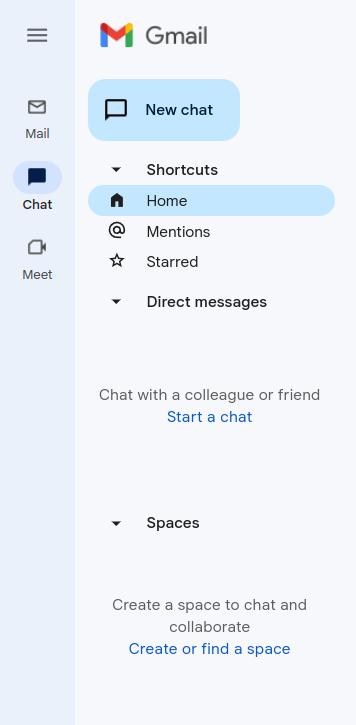
- Go to your gmail admin panel and click on chat icon and after that you need to click on “Create of find a space” – screenshot-2
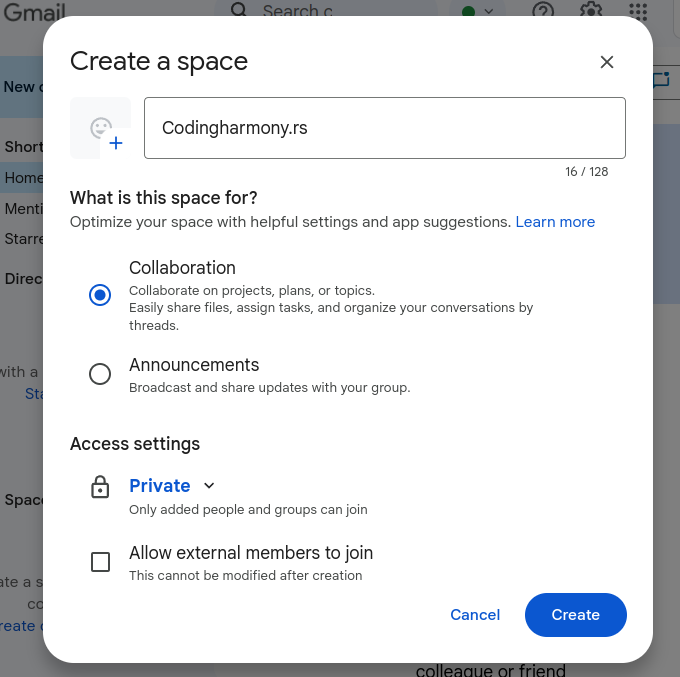
- Name your space and click on create – screenshot-3
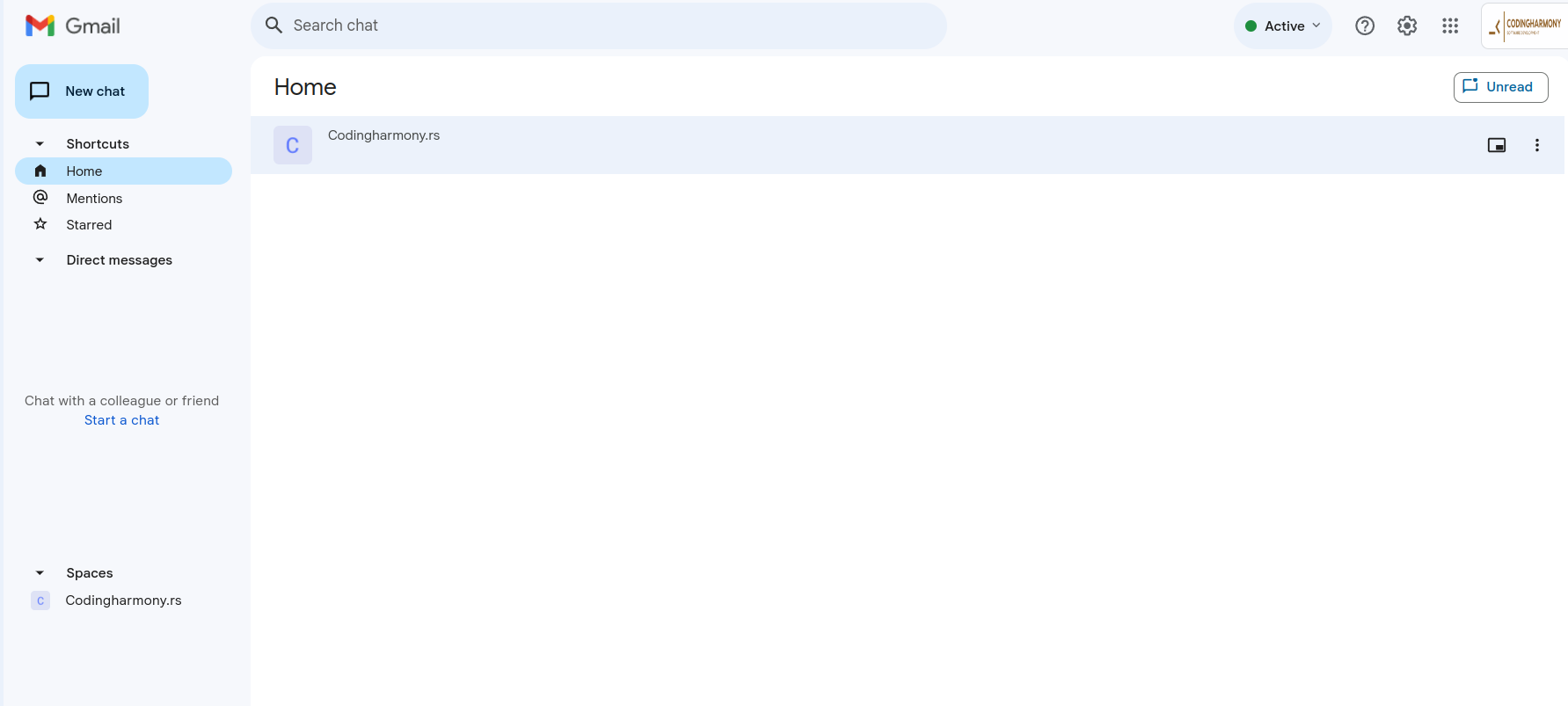
- Click on your space – screenshot-4
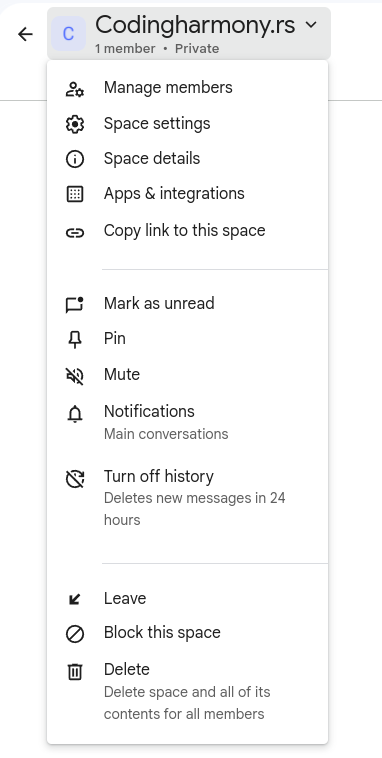
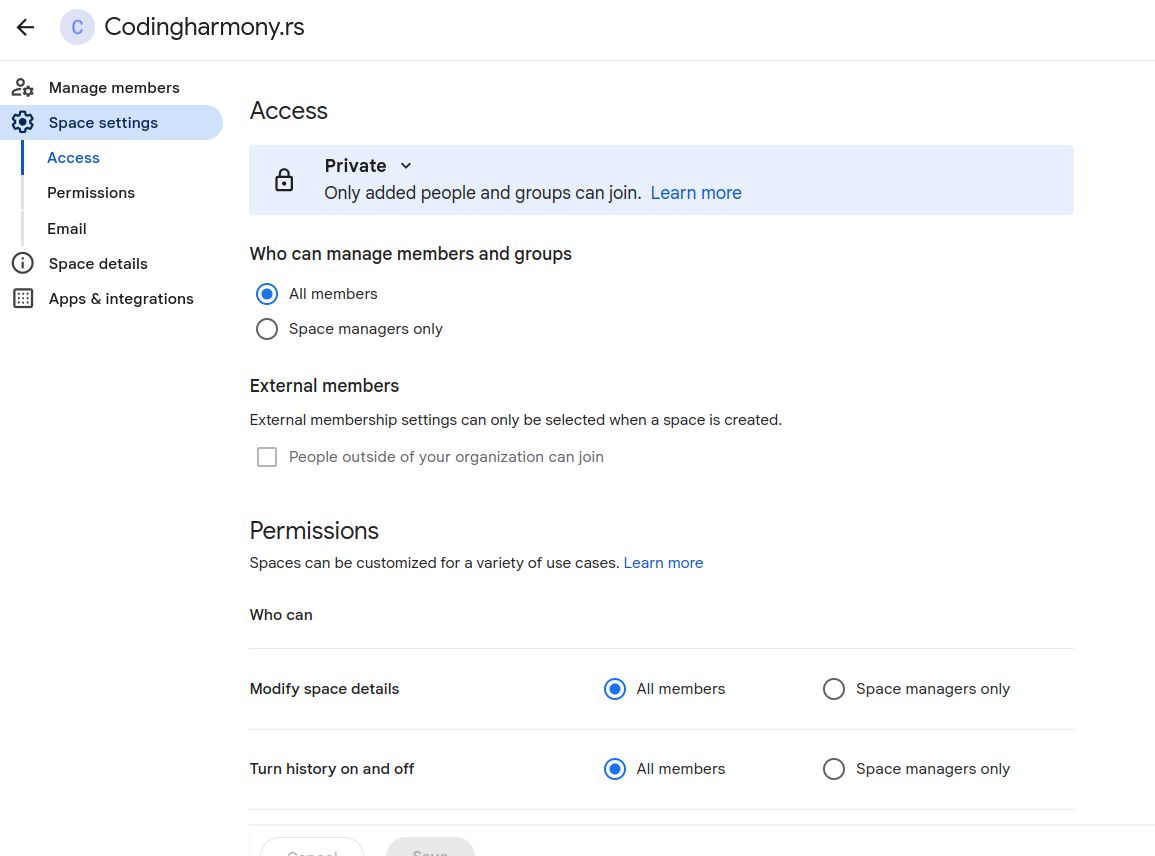
- Click on this dropdown and after that on “space settings” – screenshot-5
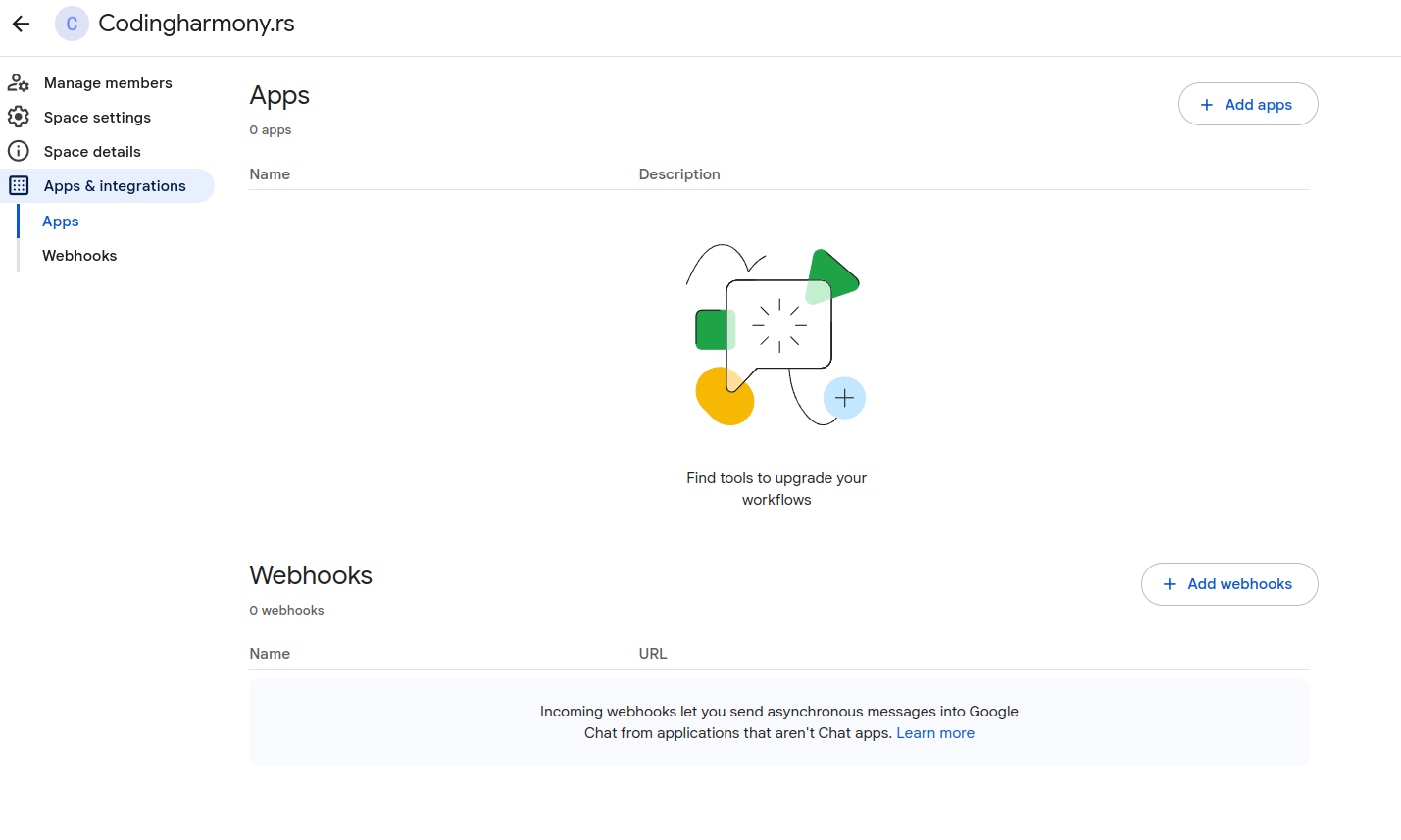
- Click on apps and integrations – screenshot-6
- Click on “add webhooks” – screenshot-7
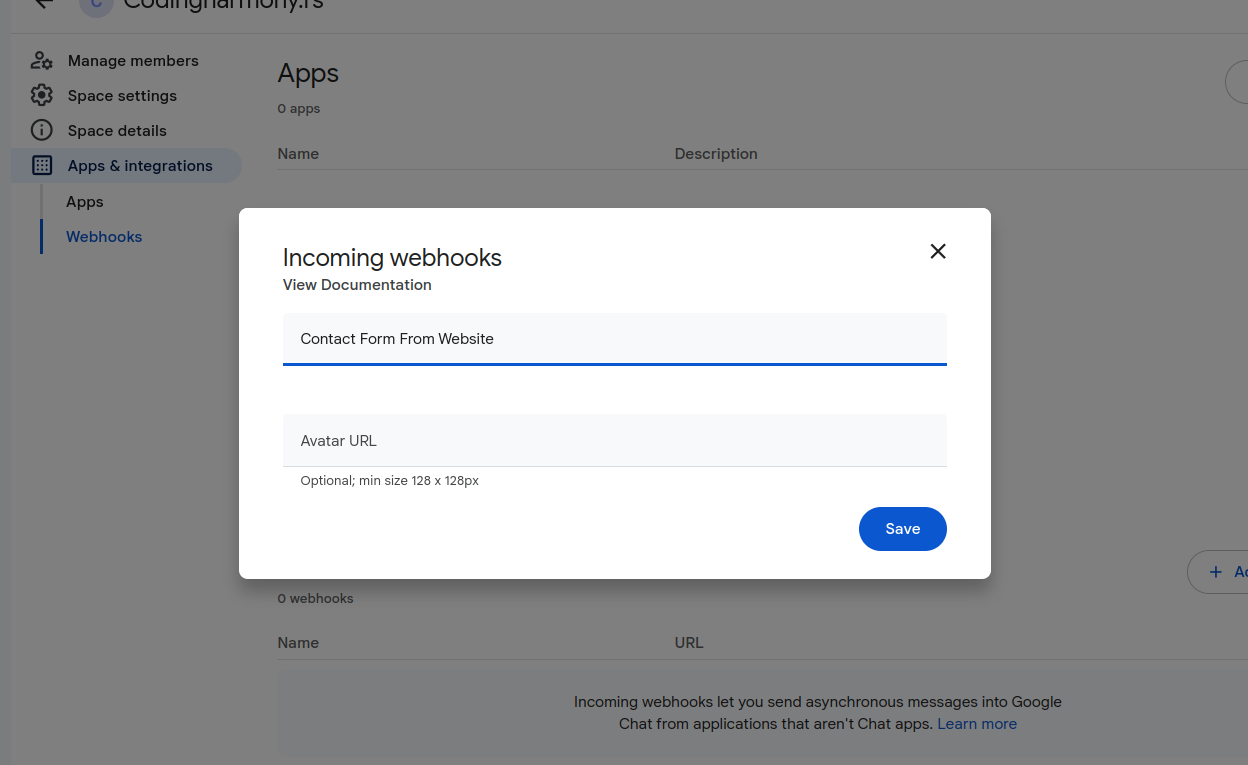
- Name your webhook and click save – screenshot-8
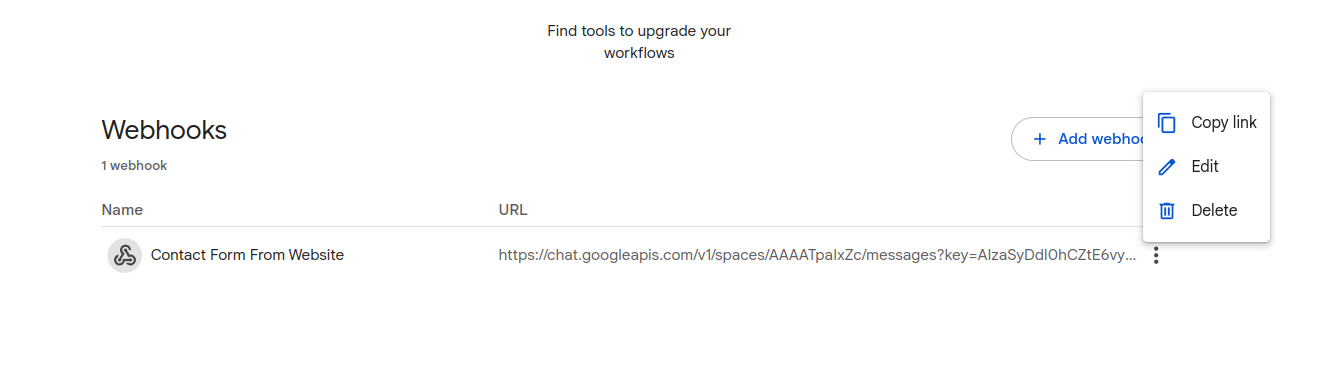
- Click on webhook settings and copy link – screenshot-9
- Paste that link to your contact form settings – screenshot-1
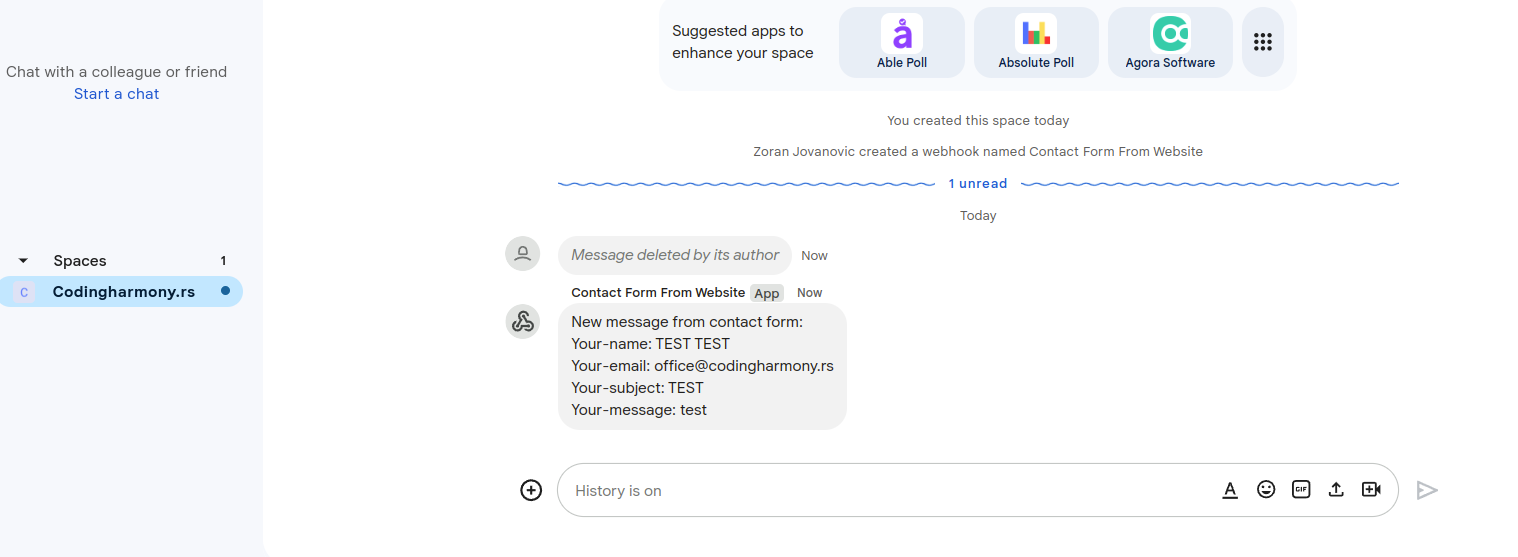
- After form is submitted on the website you will receive message to your google chat space – screenshot-10
屏幕截图

安装
- Upload the plugin files to the
/wp-content/plugins/send-message-google-chat-cf7directory, or install the plugin through the WordPress plugins screen directly. - Activate the plugin through the ‘Plugins’ screen in WordPress.
- Configure the Google Chat webhook URL in the Contact Form 7 Google Chat settings panel.
评价
此插件暂无评价。
贡献者及开发者

更新日志
1.0.0
- Initial release.