
描述
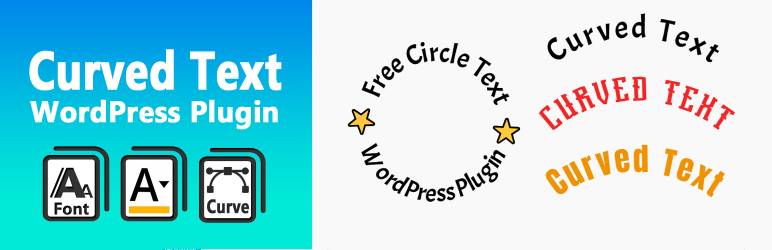
Curved Text Block is a custom Gutenberg block plugin that allows you to easily add curved text to your content. It’s perfect for headings, design elements, or emphasizing key phrases with visual flair.
Created by @codingdude, this block is simple to use and highly customizable — adjust radius, direction, alignment, and more.
If you’re looking to quickly create curved text as an image or SVG, you can also try the Curved Text Generator — a free online tool for exporting curved text designs.
Development
The original (non-minified) source files for this plugin are included in the /src directory.
You can use npm and webpack to build the final production code in /build.
To build from source:
- Run
npm install - Run
npm run build
屏幕截图


区块
该插件提供了 1 个区块.
- Curved Text Block Example block scaffolded with Create Block tool.
安装
- Upload the plugin folder to the
/wp-content/plugins/directory or install via the WordPress plugin admin panel. - Activate the plugin through the ‘Plugins’ screen in WordPress.
- Add the “Curved Text” block in the editor where you want curved text to appear.
常见问题
-
Can I export the text as an image?
-
The block itself is editable in the post/page editor. To export a curved text design as an image or vector file, use the free Curved Text Generator.
-
Can I change the direction or radius of the curve?
-
Yes. The block includes controls for adjusting the curve radius, direction (clockwise/counter-clockwise), and other styling options.
评价
此插件暂无评价。
贡献者及开发者

更新日志
0.1.0
- Initial release of the Curved Text Block plugin.