
描述
When activated, this plugin:
1. Closes comments and pings on all existing public content (posts, pages, and custom post types).
2. Sets WordPress defaults to disallow new comments and pings on all future content.
3. Ensures that newly created or updated posts remain closed to comments.
4. Hides the default Comments menu in the admin sidebar when enabled.
5. Provides a simple Settings page with a single Activate / Deactivate button to toggle behavior.
When deactivated, the plugin restores the default WordPress discussion settings without reopening previously closed comments.
Created by TYF Design.
屏幕截图
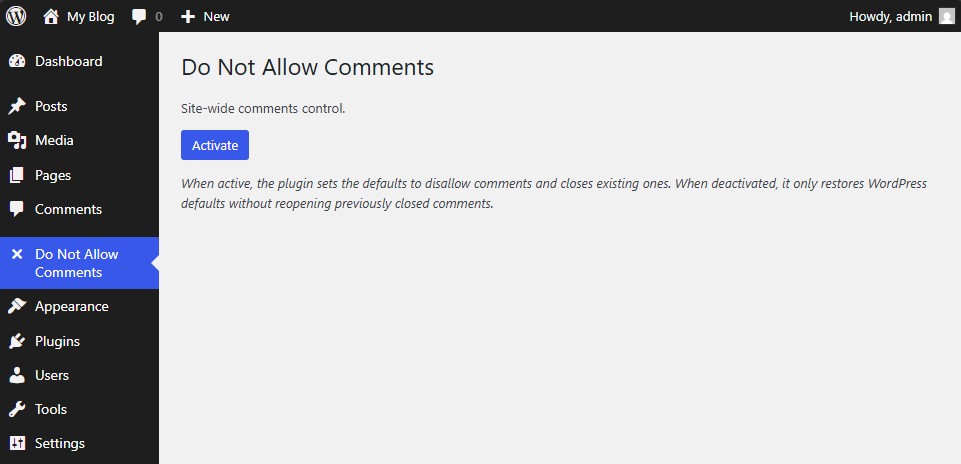
Main settings page showing the single “Activate / Deactivate” button. 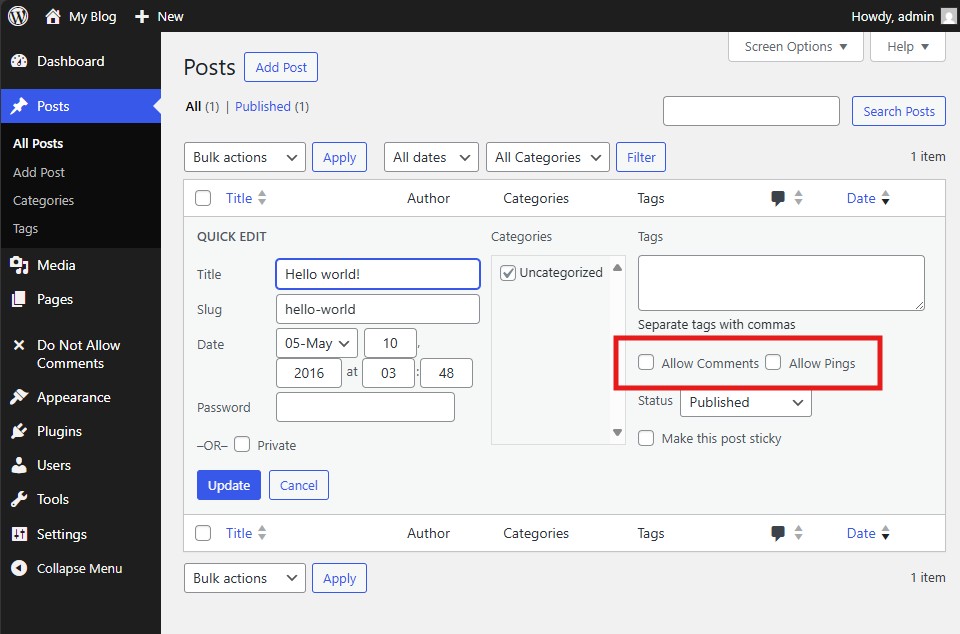
Post editor screen showing the “Allow Comments” option already unchecked by default. 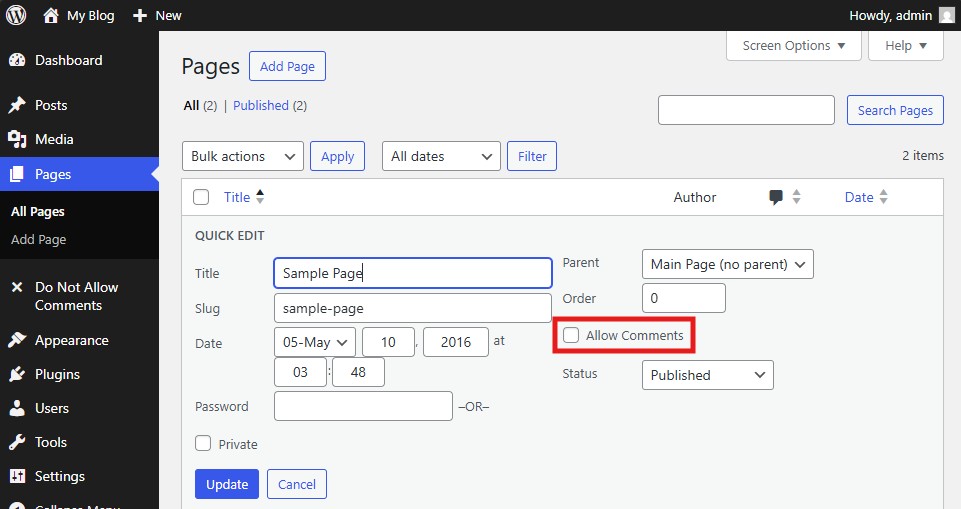
Page editor screen showing the “Allow Comments” option already unchecked by default.
安装
- Upload the plugin folder to your /wp-content/plugins/ directory.
- Go to the Plugins page and activate Do Not Allow Comments Everywhere for WordPress.
- Access the plugin’s settings under Do Not Allow Comments -> Settings to enable or disable global control.
常见问题
-
How do I use this plugin?
-
Simply activate the plugin. Comments and pings will automatically be disabled for all existing and future posts. You can toggle the setting at any time through the plugin’s configuration page.
-
How do I uninstall the plugin?
-
Deactivate the plugin from the Plugins page and delete it from your installation. WordPress default discussion settings will be restored automatically.
评价

贡献者及开发者

更新日志
1.0.1
Stable Version
* Initial public release.