

描述
Trivo Point of Sale is a lightweight point of sale (POS) solution built specifically for WooCommerce. It allows shop owners to sell their online products in physical stores, syncing inventory in real-time.
Designed for speed and ease of use, the POS terminal runs directly in your web browser, making it compatible with desktops, laptops, and tablets.
Key Features
- Real-time Sync: Automatically syncs products, stock, and orders with your WooCommerce store.
- Store Credit System: Allow customers to pay using store credit and issue refunds directly to their credit balance.
- Flexible Refunds: Precision-safe refund processing for line items and taxes.
- Variation Support: Sell variable products with ease using a clean selection interface.
- Customer Management: Quick search and selection of customers, with full credit history tracking.
- Custom Receipts: Professional thermal receipt printing with customizable headers and footers.
- Parked Orders: Suspend carts and resume them later to handle multiple customers efficiently.
- Secure & Scalable: Built with security best practices and paginated admin interfaces for large datasets.
屏幕截图

The POS Terminal interface. 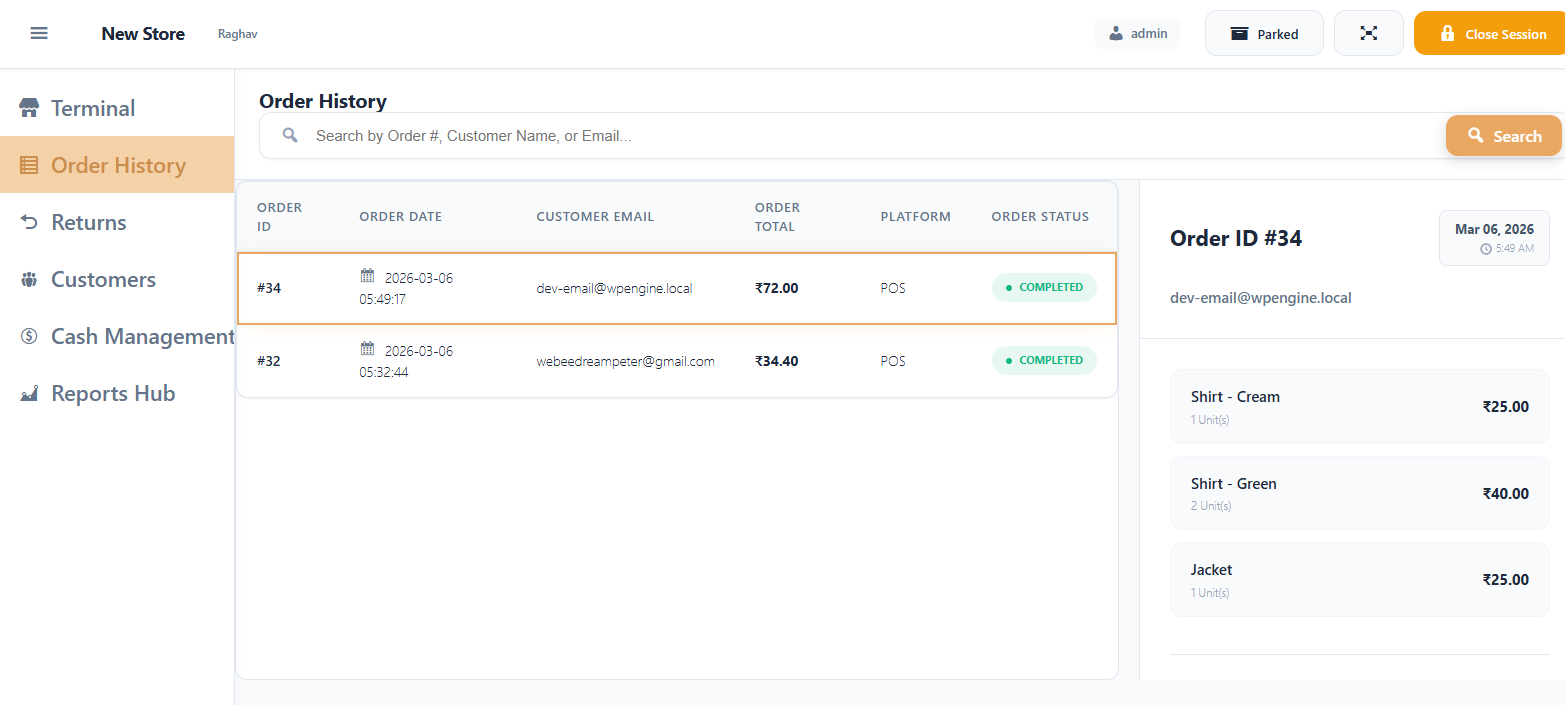
The POS Order History interface. 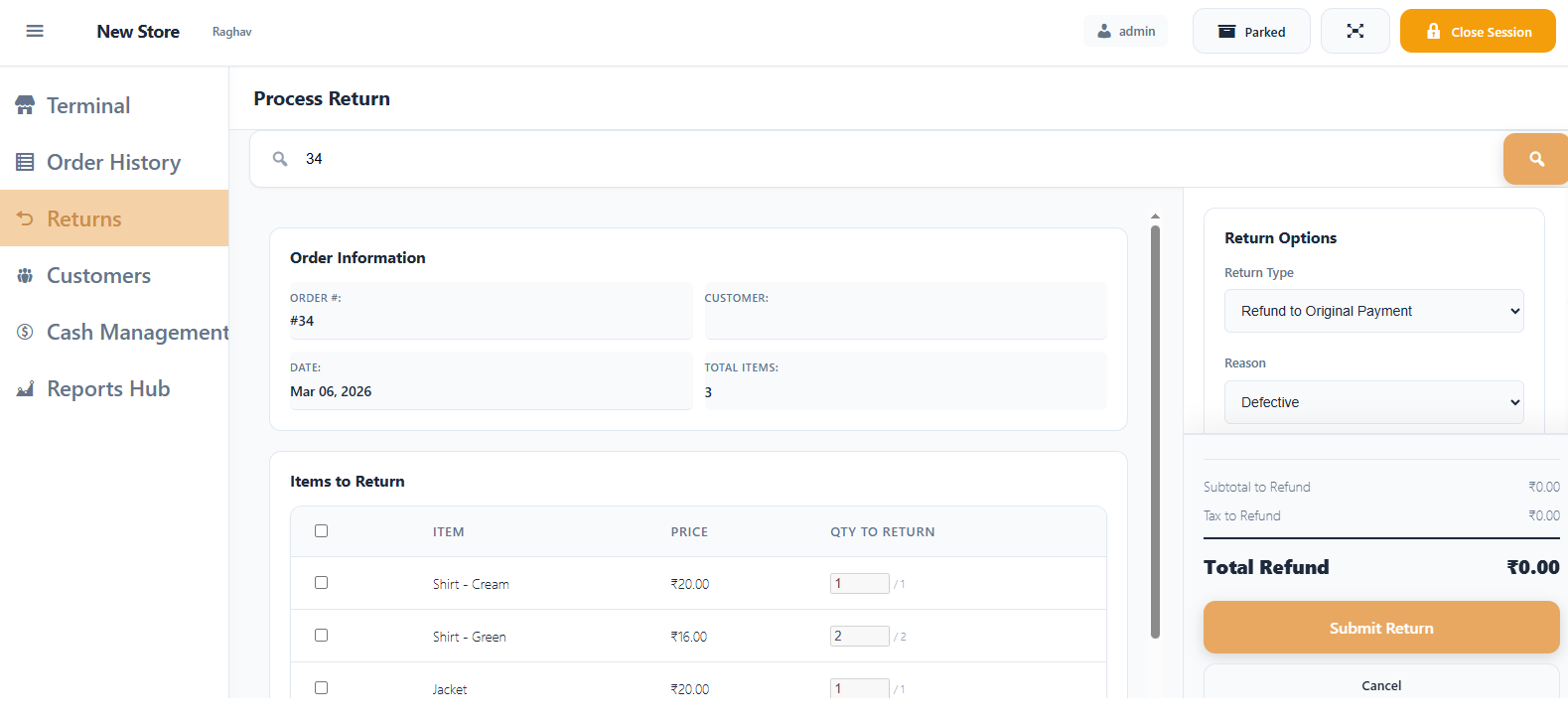
Order return interface. 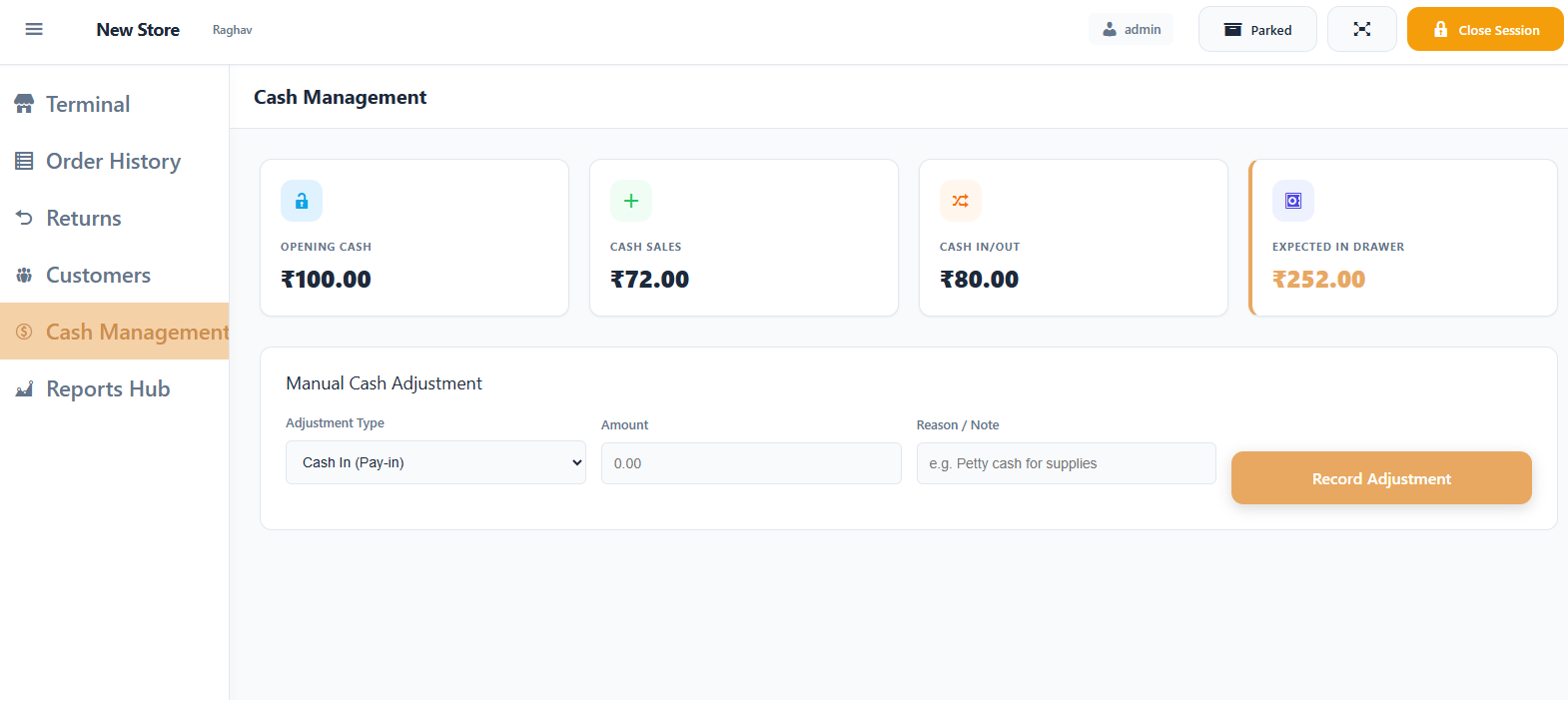
Cash management interface. 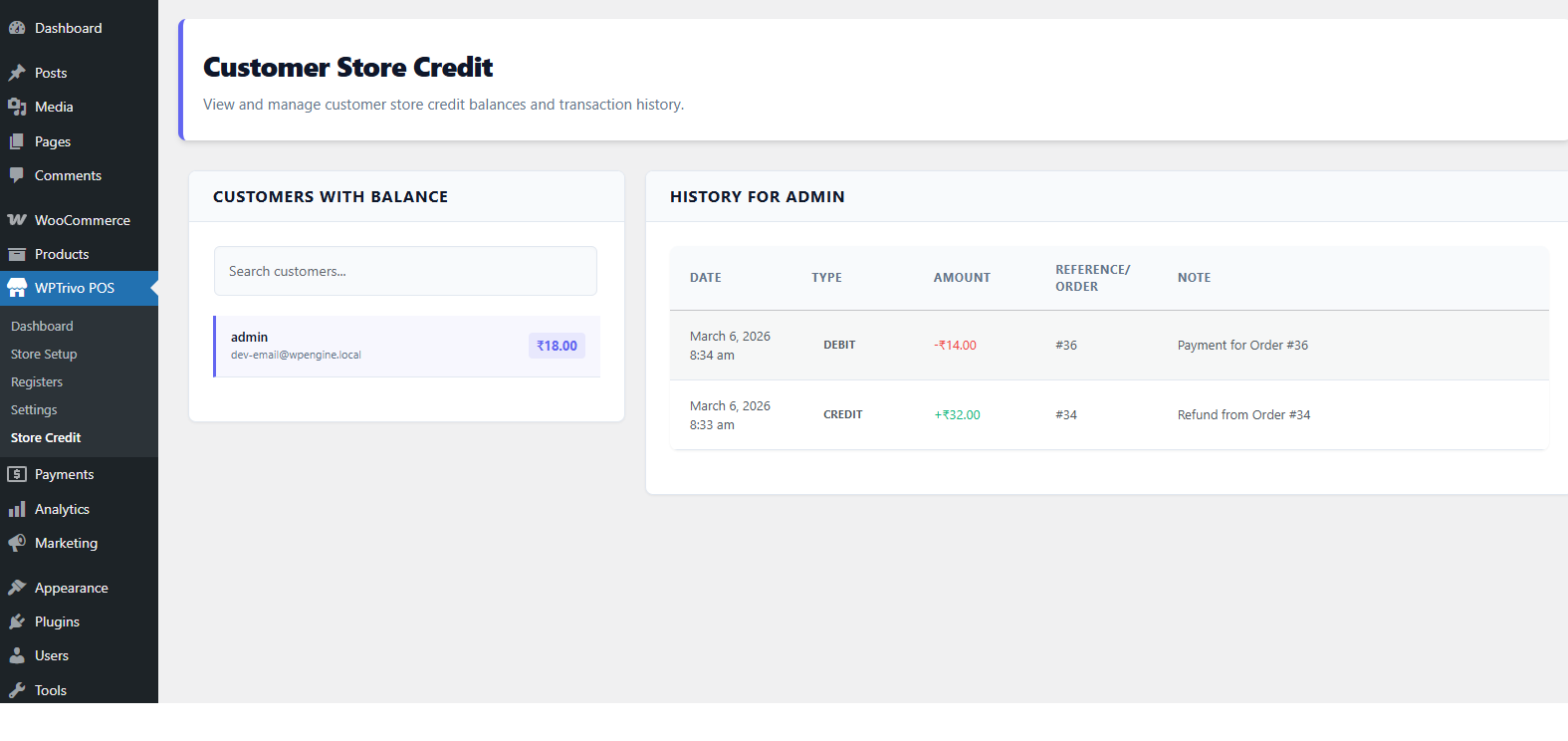
Store credit management page. 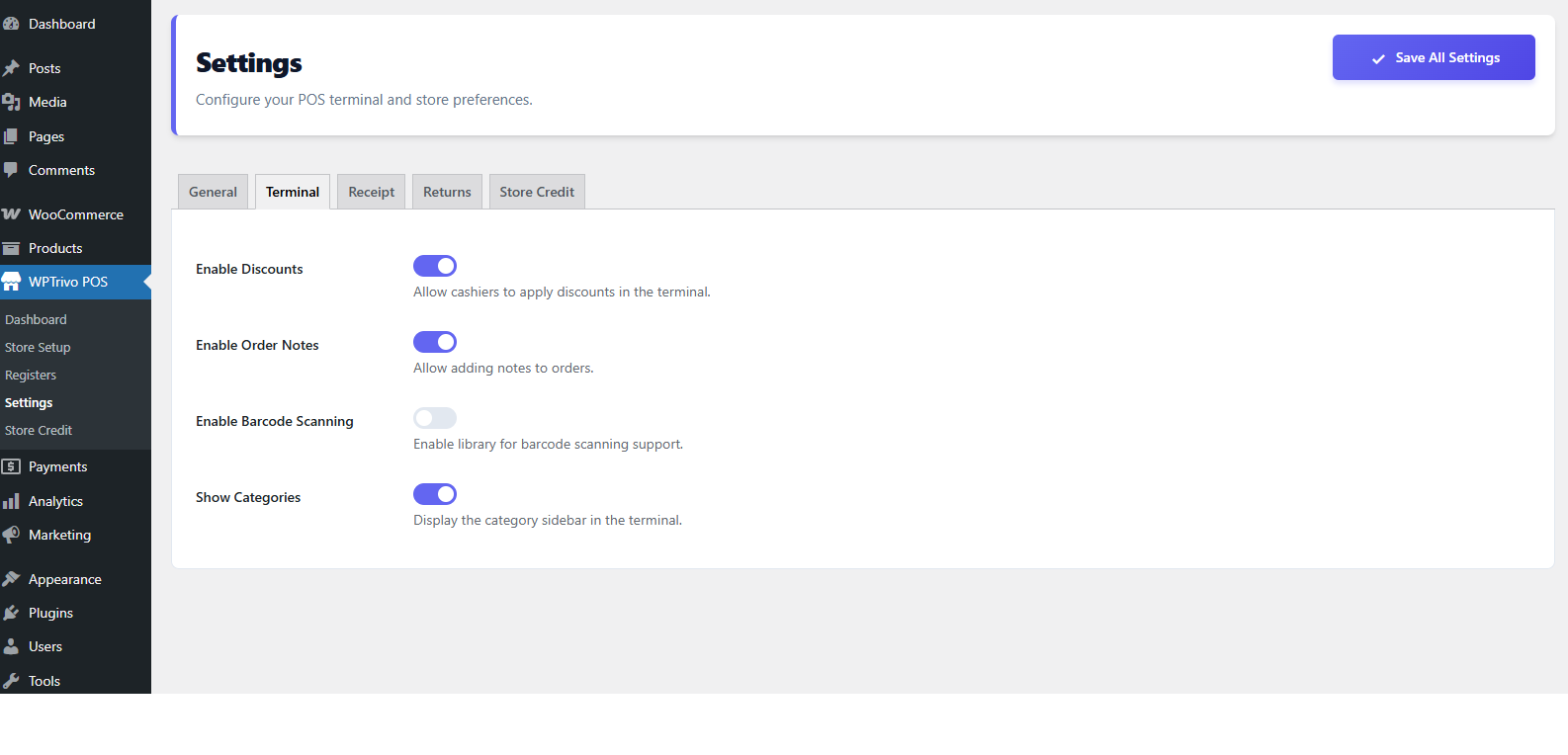
Settings and configuration.
安装
- Upload the
trivo-point-of-salefolder to the/wp-content/plugins/directory. - Activate the plugin through the ‘Plugins’ menu in WordPress.
- Go to
WPTrivo POS > Store Setupto create your first store. - Go to
WPTrivo POS > Registersto create a register for your store. - Click ‘Open Terminal’ on your register to start selling!
常见问题
-
Does it sync with WooCommerce inventory?
-
Yes, all sales made through the POS terminal update your WooCommerce stock levels instantly.
-
Can I use it on a tablet?
-
Absolutely. The POS terminal is fully responsive and optimized for touch interfaces on tablets.
-
How do I issue a refund to store credit?
-
In the terminal, go to the ‘Returns’ section, search for the order, select the items to return, and choose ‘Store Credit’ as the refund method.
评价
此插件暂无评价。
贡献者及开发者

更新日志
1.0.0
- Initial release.
- Added Store Credit payment and refund system.
- Implemented precision-safe refund calculations.
- Added paginated Store Credit management in Admin.
- Added variation support in terminal.
- Improved security with nonces and sanitization.
- Added ability to toggle Store Credit features.