
描述
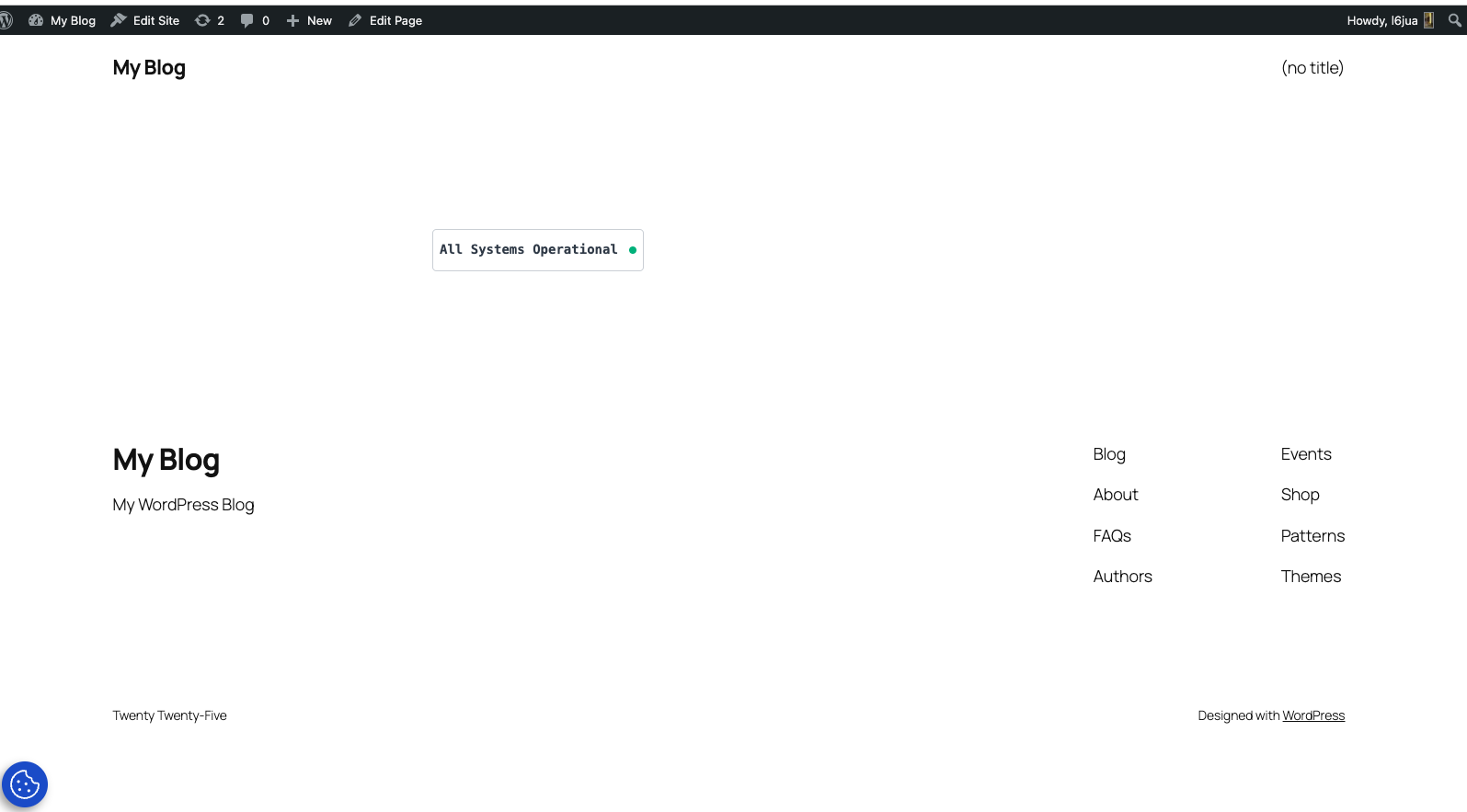
OpenStatus Badge allows you to easily embed your OpenStatus status page badge anywhere on your WordPress site using the block editor.
Features:
- Simple setup – just enter your status page slug
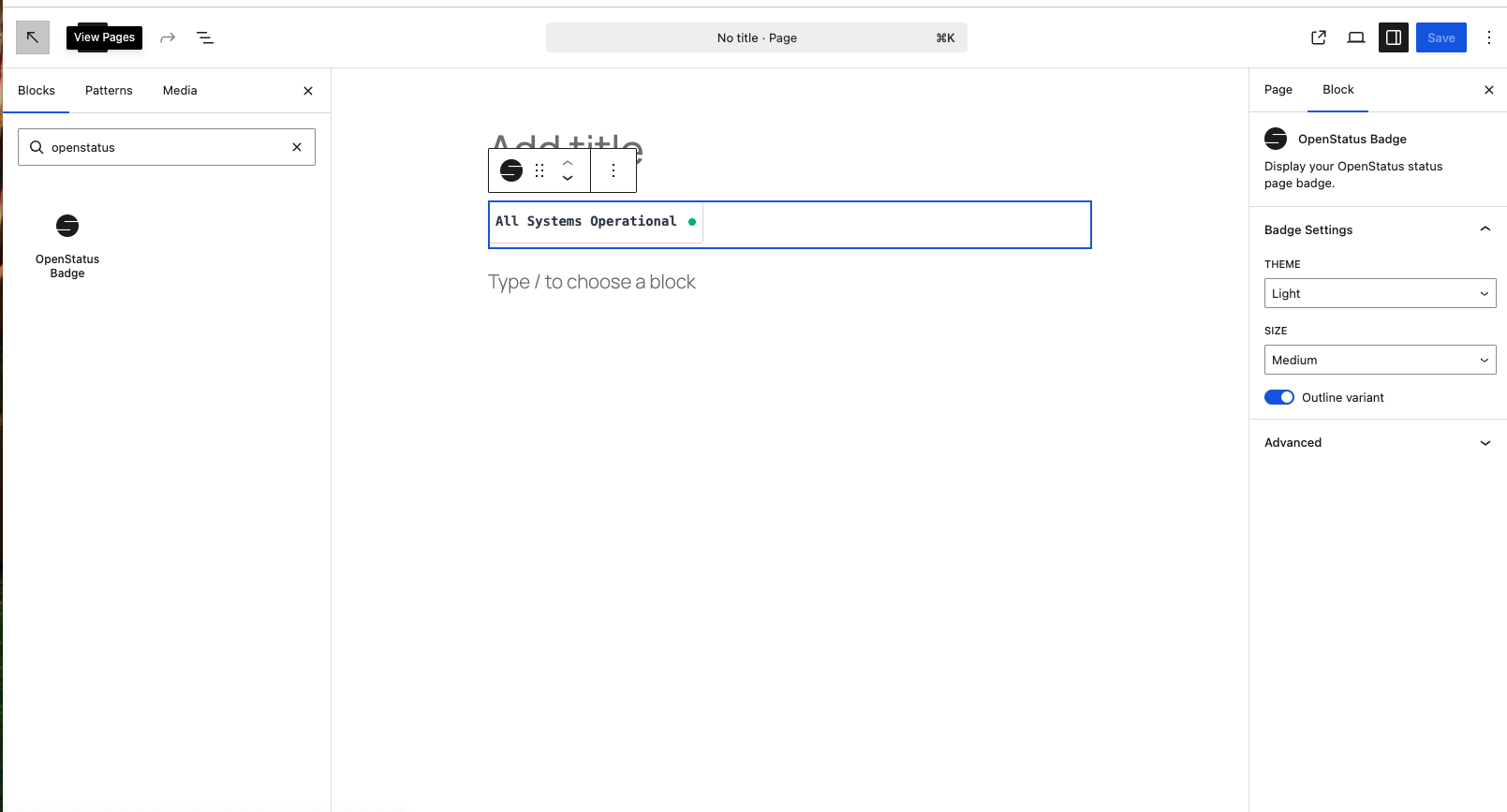
- Customizable appearance – choose theme (light/dark), size (sm/md/lg/xl), and variant (outline)
- Block editor integration – full preview in the editor with real-time attribute changes
- Lightweight – badge is loaded as a native
<img>tag, no inline SVG fetching
How it works:
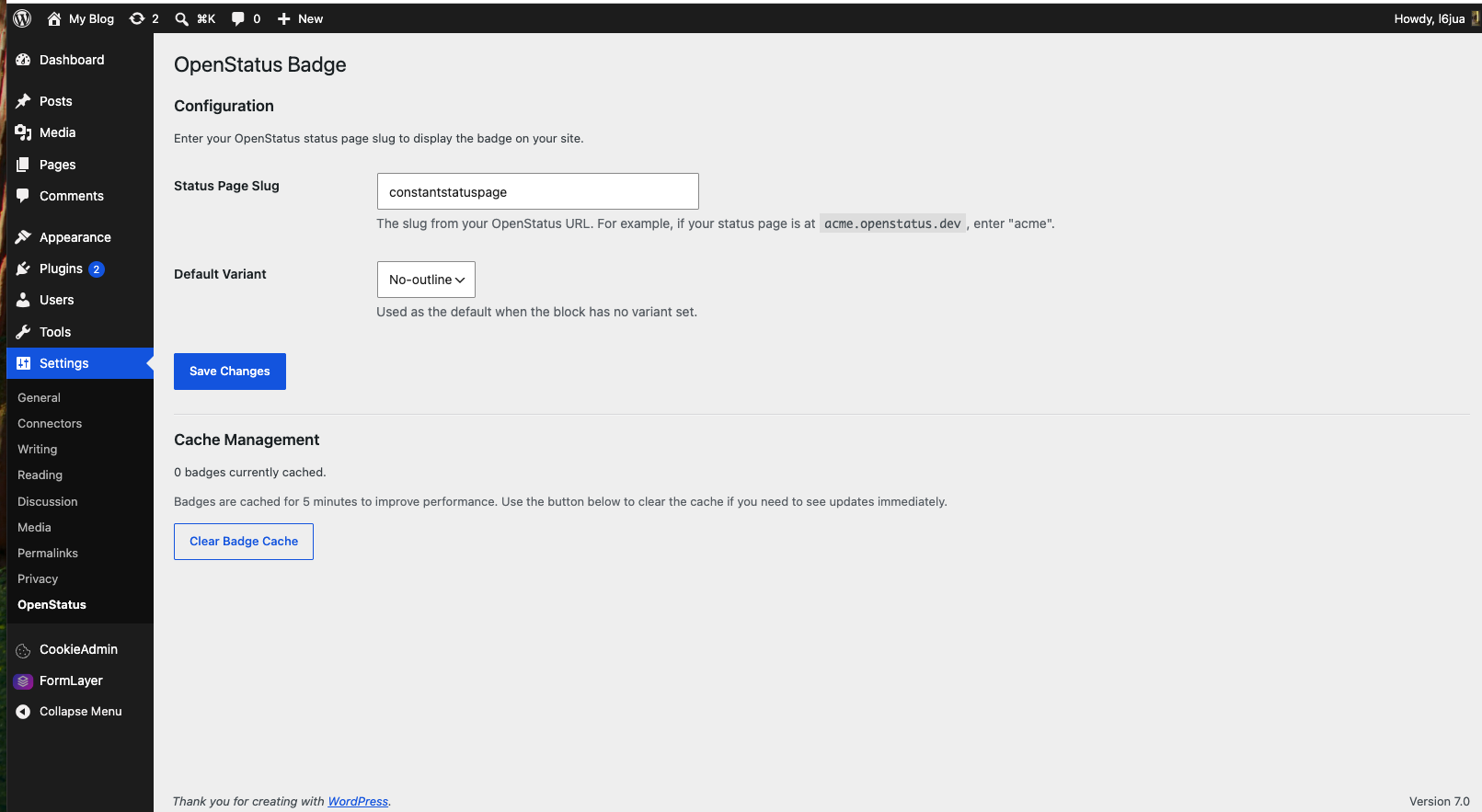
- Configure your OpenStatus status page slug in Settings > OpenStatus
- Add the “OpenStatus Badge” block to any page or post
- Customize the badge appearance using the block settings
- The badge automatically links to your status page
Source Code
The source code for this plugin is publicly available on GitHub:
https://github.com/openstatusHQ/wordpress-status-widget-plugin
The src/ directory contains the uncompiled block source (JavaScript, SCSS). The build/ directory contains the compiled assets generated by @wordpress/scripts.
To rebuild from source:
- Clone the repository
- Run
npm install - Run
npm run build
屏幕截图
区块
该插件提供了 1 个区块.
- OpenStatus Badge Display your OpenStatus status page badge.
安装
From the WordPress plugin directory:
- In your WordPress dashboard, go to Plugins > Add New
- Search for “OpenStatus Badge”
- Click “Install Now” then “Activate”
- Go to Settings > OpenStatus and enter your status page slug
- Add the “OpenStatus Badge” block to any page or post
Manual installation (zip file):
- Download the plugin zip file
- Go to Plugins > Add New > Upload Plugin
- Upload the zip and click “Install Now”
- Activate the plugin
- Go to Settings > OpenStatus and enter your status page slug
From source (developers):
- Clone or download the repository
- Run
npm installthennpm run buildto compile the block assets - Upload the
openstatus-badgefolder to the/wp-content/plugins/directory - Activate the plugin through the ‘Plugins’ menu in WordPress
- Go to Settings > OpenStatus to configure your status page slug
- Add the “OpenStatus Badge” block to any page or post
常见问题
-
Where do I find my status page slug?
-
Your status page slug is the subdomain of your OpenStatus URL. For example, if your status page is at
acme.openstatus.dev, your slug isacme. -
How often is the badge updated?
-
The badge is loaded directly by the browser as an image from OpenStatus. Updates are reflected as soon as OpenStatus publishes them.
-
Can I use multiple badges with different settings?
-
Yes! Each block can have its own theme, size, and variant settings. However, all badges will use the same status page slug configured in settings.
-
What happens if the badge cannot be loaded?
-
If the badge image cannot be loaded, the browser will display the alt text “System status” instead.
评价
此插件暂无评价。
贡献者及开发者


更新日志
1.0.1
- Fix badge display: replaced inline SVG fetching with a native
<img>tag to avoid CORS issues - Fix render.php: use
echoinstead ofreturnfor block output - Update badge endpoint to v2
- Fix extra whitespace below badge image (anchor baseline gap)
- Add global default variant setting in Settings > OpenStatus (No-outline / Outline)
- Add custom OpenStatus icon in the block inserter
1.0.0
- Initial release