

描述
IMS Countdown Timer enhances your website by allowing you to effortlessly showcase a visually appealing countdown on your post or page. This engaging feature not only captivates your audience but also contributes to retaining users on your site. Elevate the user experience and create a sense of anticipation with the IMS Countdown Timer, making your content more dynamic and interactive.
* Check out the
⚡️ FEATURES
- Easy implementation with shortcodes
- Set customized text for date and time
- Personalize box colors
- Customize text and background colors
- Stylish countdown with Google Fonts
- HTML5 compatibility: No flash, only jQuery
- Create an unlimited number of styles
- Redirect to URL option after expiry
- Hide option after expiry
- Show link after expiry
- Timezone customization
- Fully responsive design
- Ability to use Multiple countdown Timers on the same Post/Page
屏幕截图
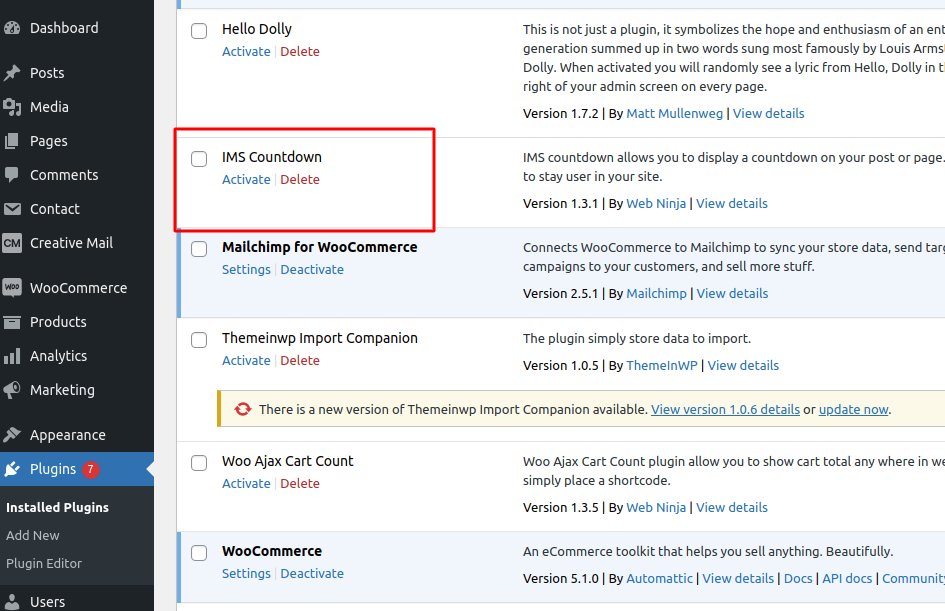
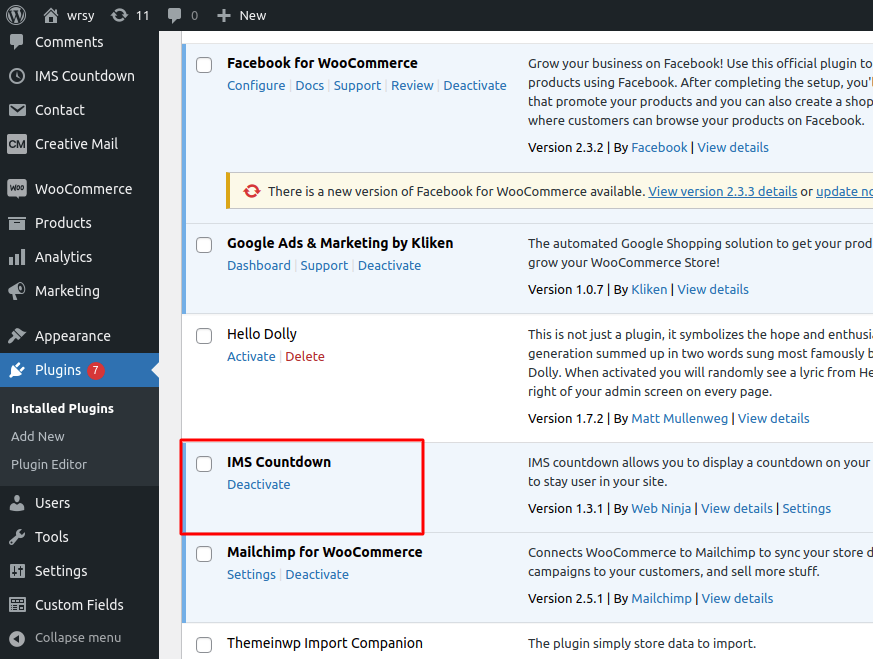


安装
- Navigate to the “Plugins” Menu in WordPress.
- Search for “IMS Countdown.”
- Click “Install.”
- After installation, click “Activate.”
- You will now find the IMS Countdown menu in the sidebar, where you can add a countdown to your page or post.
常见问题
-
Can we have the option to hide the countdown?
-
Yes, you can choose the ‘Countdown Expire Action’ radio button options to make the countdown invisible.
-
Where can I report a bug?
-
You can report bugs, suggest ideas, and participate in development by emailing us at developer@acewebx.com.
评价

2017 年 12 月 4 日
Thank You!! I'm a php developer and I need same functionality for one of my client, which you are providing. It save my almost whole day. Thank you once again.
