描述
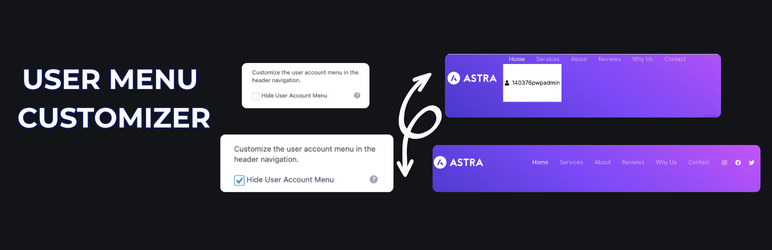
User Menu Customizer for HivePress allows you to personalize the HivePress user account menu in the header navigation without coding. This plugin addresses the lack of native customization options in HivePress, offering a user-friendly interface to:
– Toggle visibility of the user menu and its submenu (Listings, Settings, Sign Out).
– Customize text/icon color and background color.
– Adjust padding inside the menu button.
All settings are managed via Appearance > Customize > HivePress User Menu. This plugin requires the HivePress plugin to be installed and active.
屏幕截图
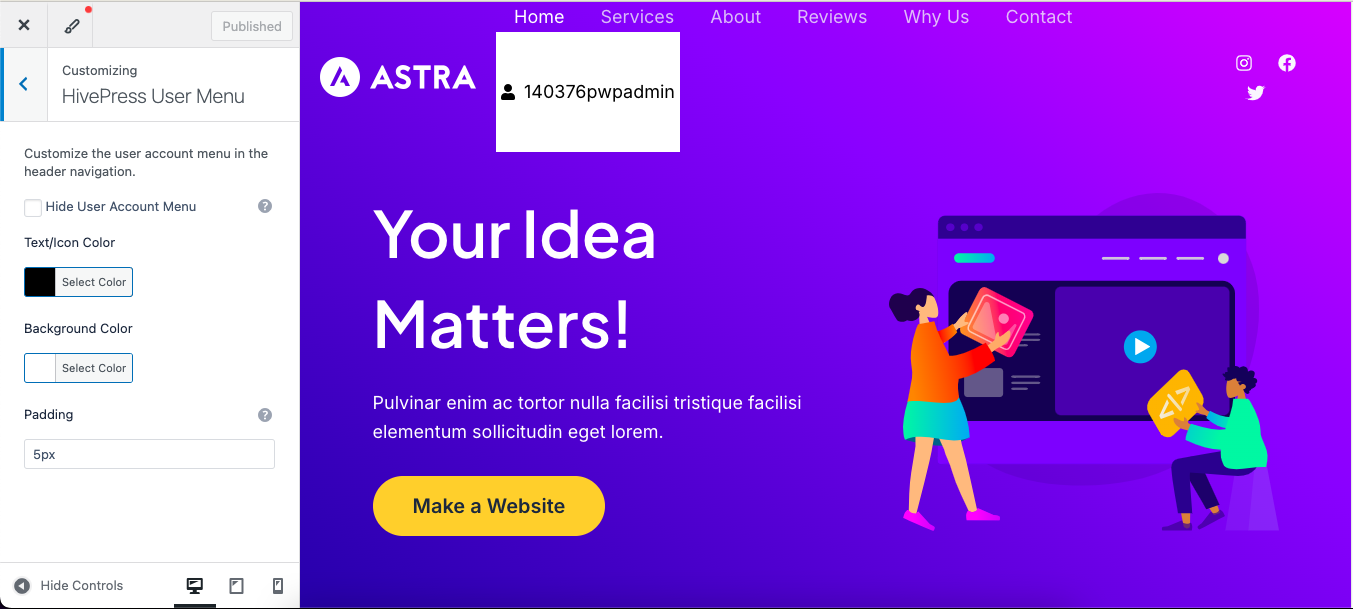
Customizer settings for hiding and styling the user menu.

User menu with customized colors and padding.
安装
- Upload the
user-menu-customizer-for-hivepressfolder to the/wp-content/plugins/directory. - Activate the plugin through the ‘Plugins’ menu in WordPress.
- Go to Appearance > Customize > HivePress User Menu to configure settings.
常见问题
-
Does this plugin require HivePress?
-
Yes, this plugin requires the HivePress plugin to be installed and active.
-
Absolutely! All customizations are done via the WordPress Customizer, no coding required.
评价
此插件暂无评价。
贡献者及开发者

更新日志
1.0.1
- Added support for hiding and customizing the “Sign In” button for visitors (class: menu-item–user-login) using the same Customizer settings.
- Updated Customizer descriptions for clarity.
1.0.0
- Initial release.