
描述
Set a custom profile image for a user using the standard WordPress media upload tool.
Help Contribute
- Leave a star rating
屏幕截图
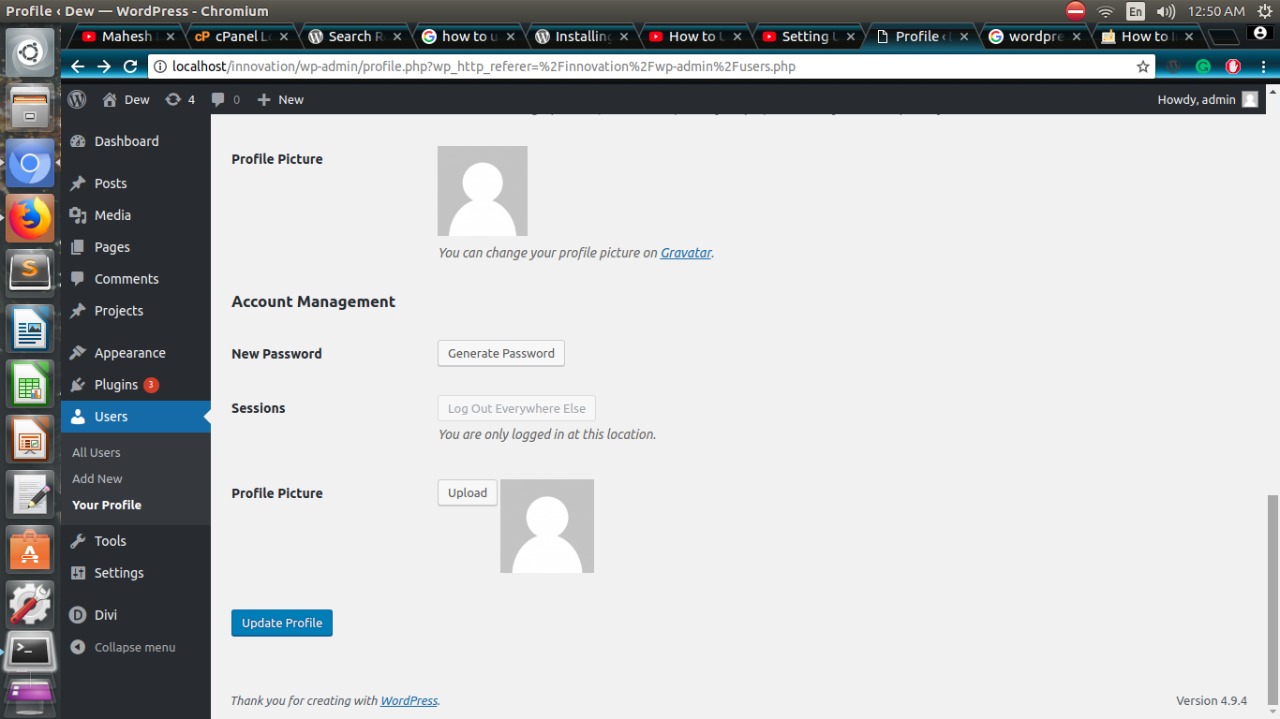
Profile page options.
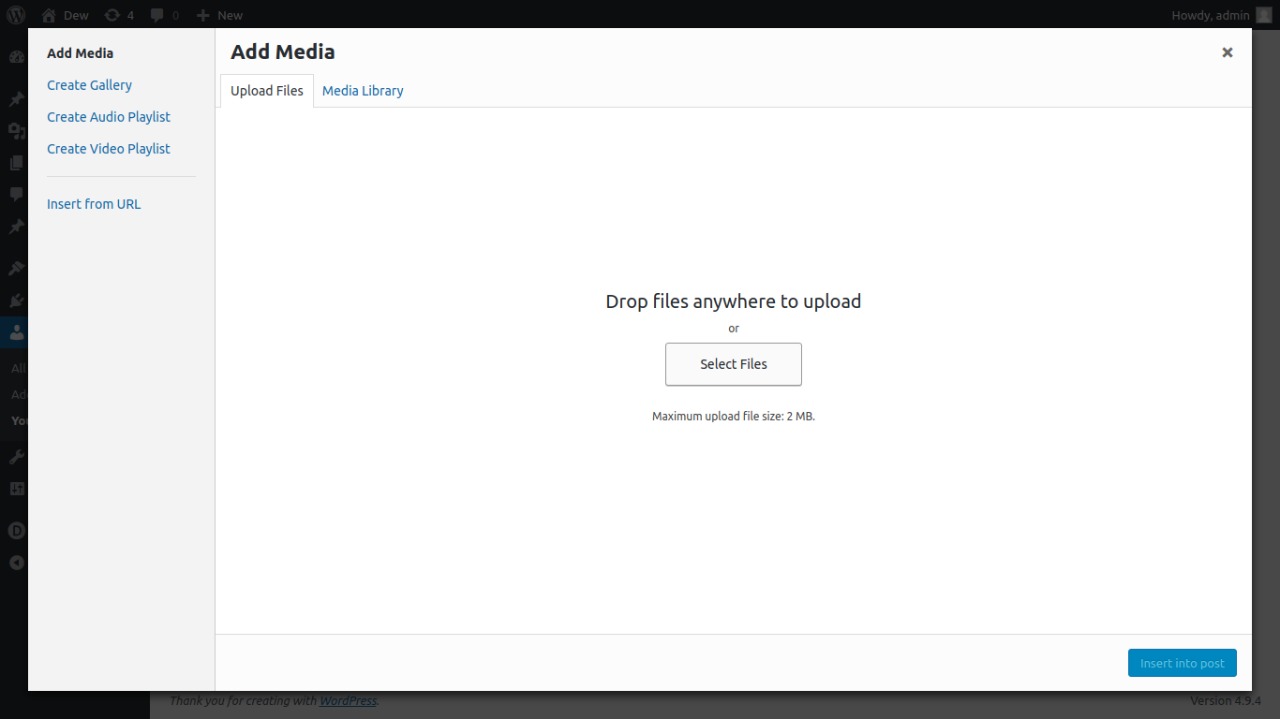
Media upload dialog.
安装
Starting with Users Profile Picture consists of just two steps: installing and setting up the shortcode. Users Profile Picture is designed to work with your site’s specific needs, so don’t forget to go through the Users Profile Picture configuration wizard as explained in the ‘after activation’ step!
INSTALL USER REGISTRATION FROM WITHIN WORDPRESS
- Visit the plugins page within your dashboard and select ‘Add New’;
- Search for ‘Users Profile Picture’;
- Activate Users Profile Picture from your Plugins page;
- Go to ‘after activation’ below.
INSTALL USER REGISTRATION MANUALLY
- Upload the ‘users-profile-picture’ folder to the /wp-content/plugins/ directory;
- Activate the Users Profile Picture plugin through the ‘Plugins’ menu in WordPress;
- Go to ‘after activation’ below.
AFTER ACTIVATION
- Go through the user profile and set up the profile picture for your site;
- You’re done!
常见问题
-
How do you set a user profile image?
-
-
Visit the profile page you would like to edit.
-
Click on the upload to add, or change the profile picture.
-
-
What role does a user have to be to set a profile image?
-
All user roles.
-
How do I create specific thumbnail sizes?
-
Since the plugin uses the native uploader, you’ll have to make use of add_image_size in your theme. You can then call
dew_profile_imgand pass in the custom image size. -
The image is cropped wrong. How do I fix this?
-
We recommend the Post Thumbnail Editor plugin for cropping thumbnails, as you can custom-crop various image sizes without affecting other images.
-
Does the plugin work with Multisite?
-
Yes, but you’ll have to set a new profile image per site. This is currently a limitation of the way the plugin stores its data. Ideas to overcome this are welcome.
评价

贡献者及开发者


更新日志
1.0.4
- Added compatibility with WordPress version 6.0.
- Other minor bug fixes.
1.0.3
- Added compatibility with PHP version 8.0.
- Added compatibility with WordPress version 5.6.
- Other minor bug fixes.
1.0.2
- Change
1.0.1
- Fix error
1.0.0
- Initial release.