
描述
A lightweight WordPress plugin that adds a dedicated block to the Gutenberg editor for creating price lists easily.
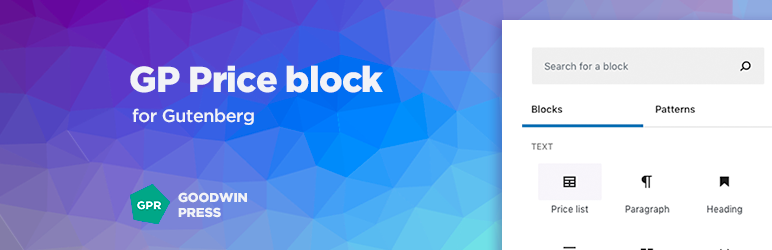
Select the block from the block manager, and you’ll get ready‑to‑use fields for entering the product or service name and its cost.
屏幕截图

Open the block manager, find “Price list” button in the Text section and click. 
Two fields will be added – for product or service name and for price. 
Fill the fields and save. 
On the front.
区块
该插件提供了 2 个区块.
- Price
- Price list
安装
From within WordPress
- Visit ‘Plugins > Add New’
- Search for ‘GP Price block’
- Activate GP Price block from your Plugins page.
Manually
- Upload the ‘gp-price-block’ folder to the ‘/wp-content/plugins/’ directory
- Activate the GP Price block plugin through the ‘Plugins’ menu in WordPress
评价

2022 年 7 月 16 日
Simple interface and very easy to use. Great plug in for making easy responsive price lists.
贡献者及开发者

更新日志
1.0.5 (20.05.2026)
- Tested with WordPress 7.0
- Minor CSS improvements
- Readme correction.
1.0.4 (13.12.2025)
- Tested with WordPress 6.9
- CSS bug fixed
1.0.3 (29.01.2025)
- Tested with WordPress 6.7
1.0.2 (18.03.2023)
- Minor improvements
- Tested with WordPress 6.2
1.0.1 (03.08.2021)
- Tested with WordPress 5.8
1.0
- Initial release