
描述
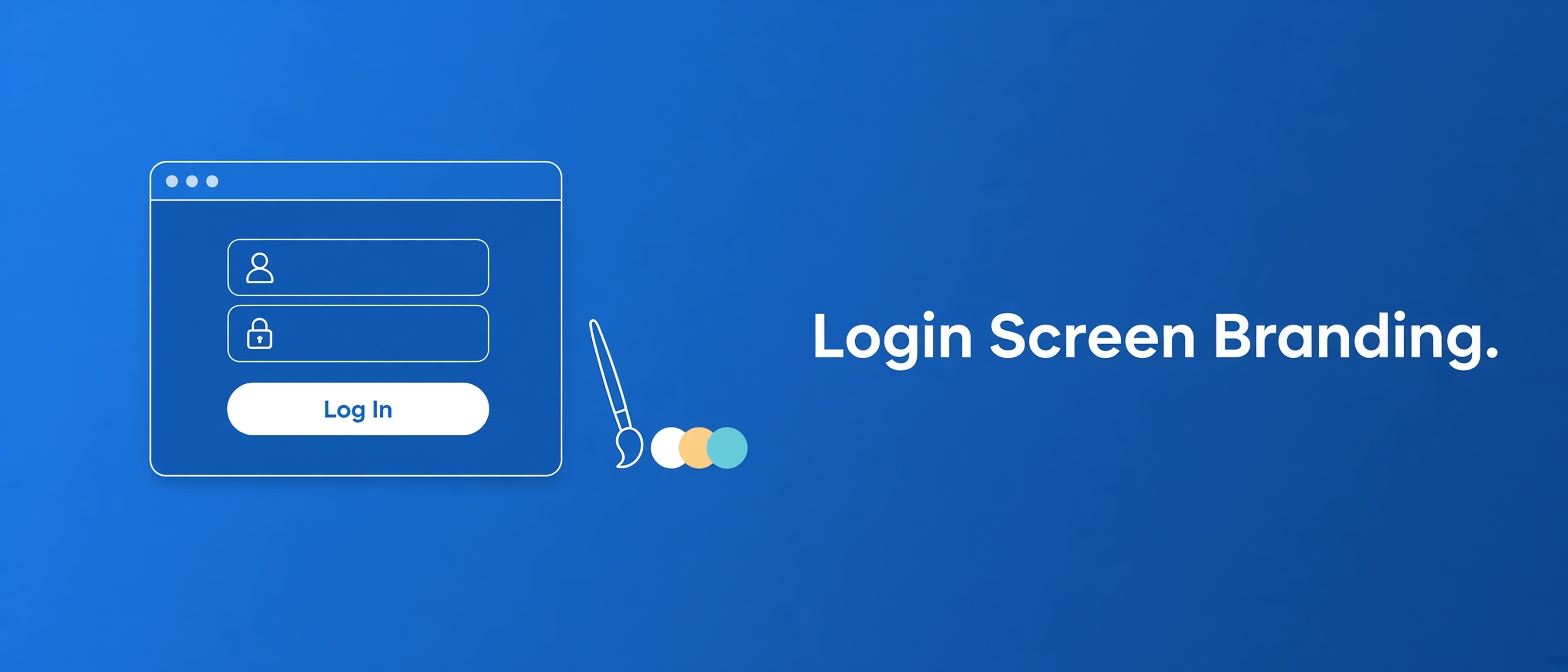
Amitdholiya Login Screen Branding lets you white-label your site’s login
screen without writing any code. Upload your own logo, pick colors for the
background, login box, text, and links — all from a simple settings page.
Features
- Upload/select a logo from the Media Library, with adjustable width & height
- Set where clicking the logo goes (defaults to your homepage instead of WordPress.org)
- Custom colors for page background, login box background, text, and links
- “Preview Login Page” button to see changes instantly
- No theme editing or extra plugins required
- All styling is generated by the plugin and attached to WordPress’s own login
stylesheet viawp_add_inline_style()— no arbitrary code entry, no raw
tags
屏幕截图

安装
- Upload the
amitdholiya-login-screen-brandingfolder to/wp-content/plugins/(or upload the zip directly via Plugins > Add New > Upload Plugin). - Activate the plugin through the ‘Plugins’ menu in WordPress.
- Go to Settings > Login Screen Branding to upload your logo and set your colors.
- Click “Preview Login Page” to see it live.
常见问题
-
Does this change the login page URL or add a custom login page?
-
No. It only restyles the existing wp-login.php screen — it doesn’t create
a separate custom login page or change the URL. -
What image format should I use for the logo?
-
PNG or SVG with a transparent background works best, sized roughly square
or wide depending on your brand. -
Can I add my own custom CSS?
-
Not directly through the plugin interface, by design — this avoids the
security and validation issues that come with accepting arbitrary CSS/JS/PHP
input. All styling is generated from the color and logo settings you choose. -
Will this survive a WordPress core update?
-
Yes. It hooks into
login_enqueue_scriptsand standard filters, and attaches
its styling to WordPress’s own login stylesheet handle, so it’s fully
update-safe and doesn’t touch core files.
评价
此插件暂无评价。
贡献者及开发者

更新日志
1.0.0
- Initial release.