
描述
Bublly is a customer support platform that lets your team handle live chat,
tickets, and helpdesk conversations in one place.
This plugin embeds the Bublly chat widget on every page of your WordPress
site automatically. Visitors can start a chat and your team responds from
the Bublly dashboard.
A free Bublly account is required. Sign up at https://bublly.com
Features:
- One-click widget activation
- Works on all pages automatically
- Zero performance impact (script loads asynchronously)
- Compatible with cookie consent plugins via the
bublly_should_load_widgetfilter
External Services
This plugin loads a JavaScript file from widget.bublly.com when the widget
is enabled. This connects your site visitors to the Bublly live chat service.
No data is sent to Bublly servers from PHP — all communication happens in the
visitor’s browser via the widget script.
- Service: Bublly live chat
- URL loaded: https://widget.bublly.com/bublly-widget.js
- When: Only on front-end pages when the plugin is enabled and an API key is set
- Privacy Policy: https://bublly.com/privacy
- Terms of Service: https://bublly.com/terms
屏幕截图
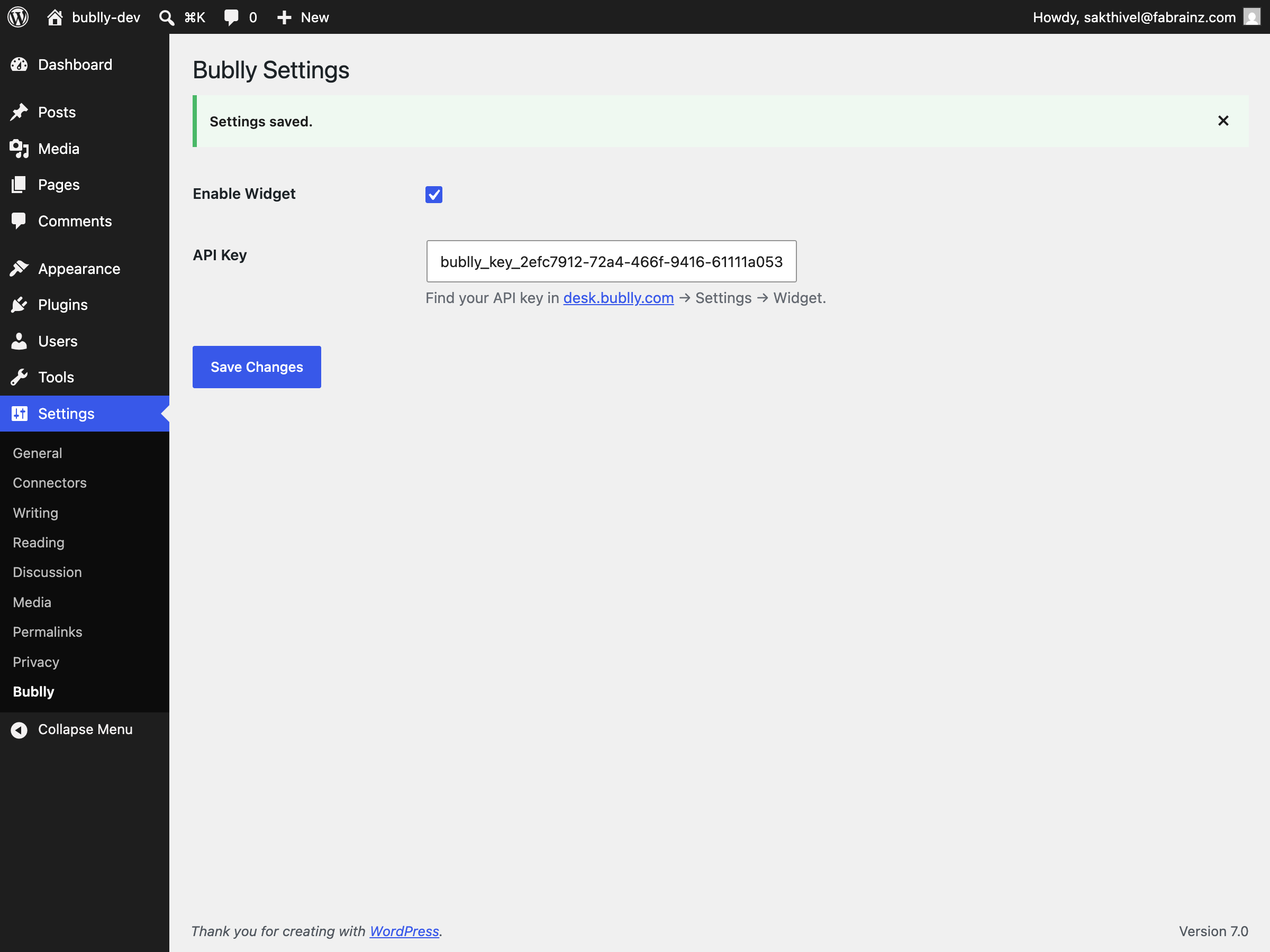
安装
- Upload the
bubllyfolder to/wp-content/plugins/ - Activate the plugin in WP Admin → Plugins
- Go to Settings → Bublly
- Paste your API key from desk.bublly.com and check Enable Widget
- Visit any page on your site — the chat widget will appear
常见问题
-
Where do I find my API key?
-
Log in to desk.bublly.com, go to Settings → Widget, and copy the API key shown there.
-
Is the API key visible in my page source?
-
Yes. This is intentional — it is a publish key designed to be public, similar to
how Google Analytics tracking IDs work. It cannot be used to access your private data. -
My site has a Content Security Policy (CSP). What do I need to add?
-
Add
widget.bublly.comto yourscript-srcallowlist. Without this, the widget
script will be blocked by the browser. -
Yes. The plugin exposes a
bublly_should_load_widgetfilter. Cookie consent plugins
can hook into this to delay the widget until the visitor gives consent:add_filter( 'bublly_should_load_widget', function() { return has_consent_for_marketing(); } ); -
The widget is not appearing on my site. What should I check?
-
- Confirm Enable Widget is checked in Settings → Bublly
- Confirm the API key field is not empty
- Check your browser console for script-blocking errors (CSP or ad blockers)
- Confirm widget.bublly.com is reachable from your browser
评价
此插件暂无评价。
贡献者及开发者

更新日志
1.0.0
- Initial release.