
描述
Dynamic Maintenance Mode allows administrators to activate maintenance mode for all users or only non-logged-in visitors. You can also set a custom redirect page and schedule automatic start/end times.
Key Features:
– Enable maintenance mode for all visitors or just guests
– Set a custom page to display during maintenance
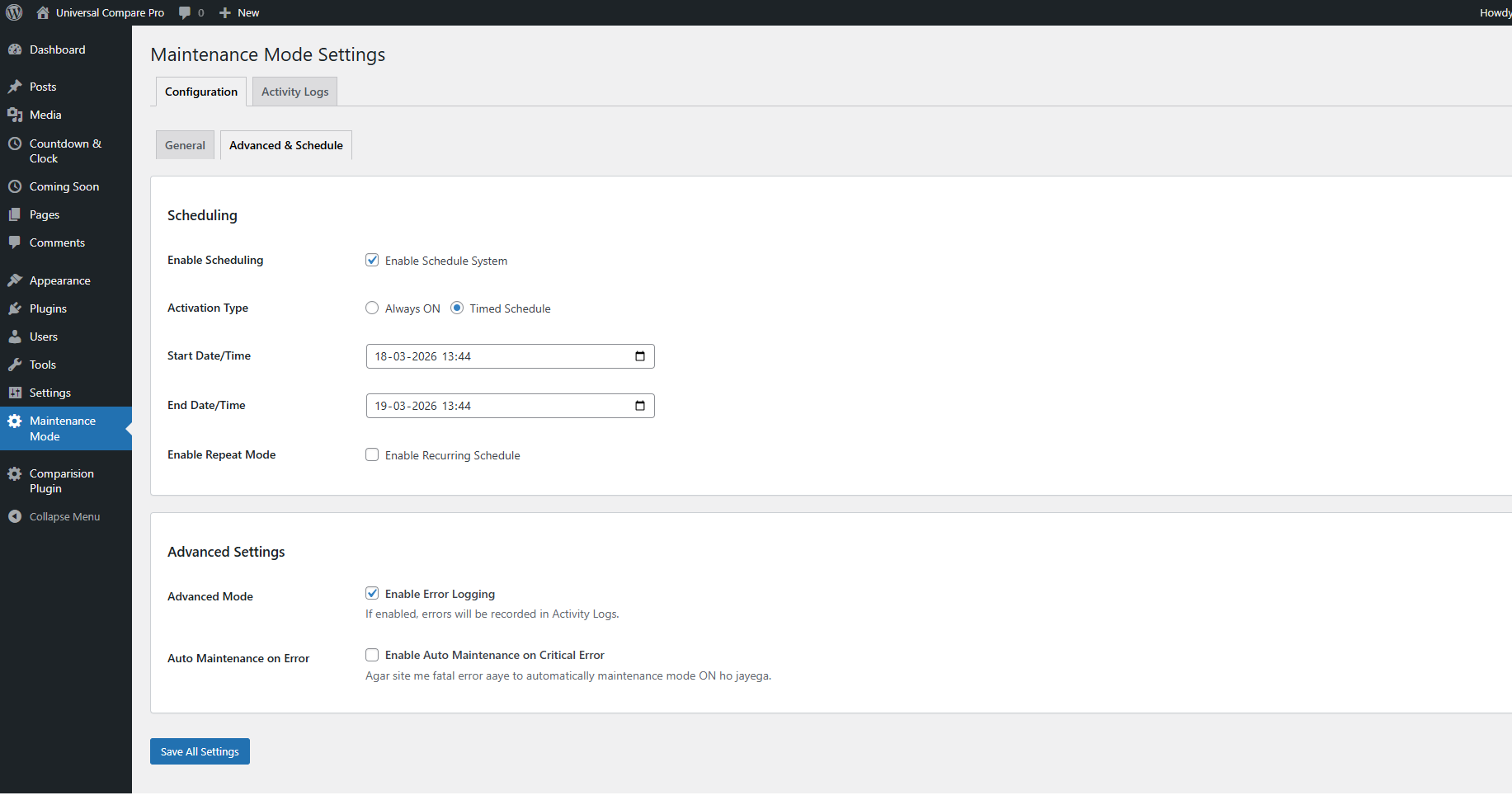
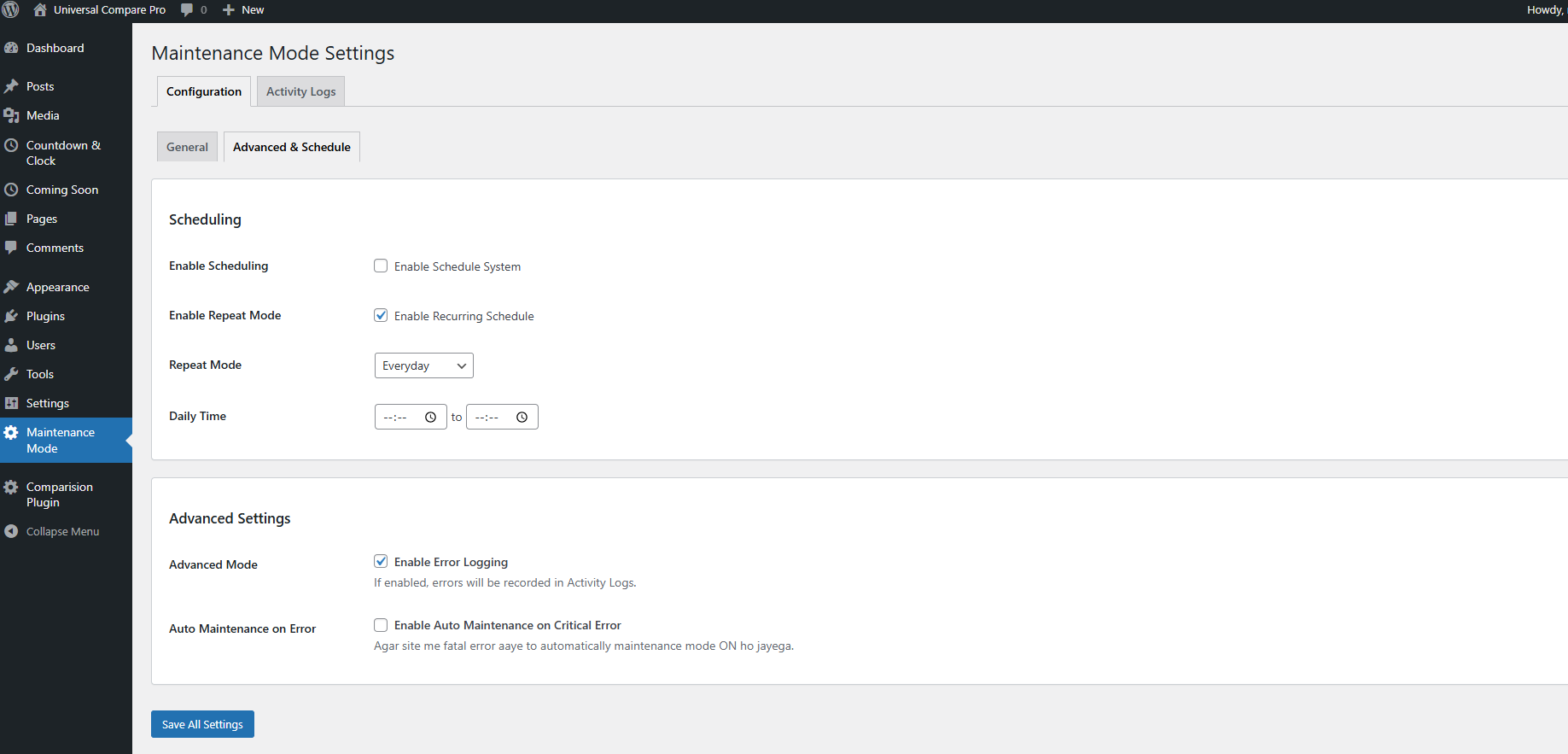
– Schedule start and end time for automatic mode activation
– Easy-to-use settings panel under the WordPress admin
屏幕截图
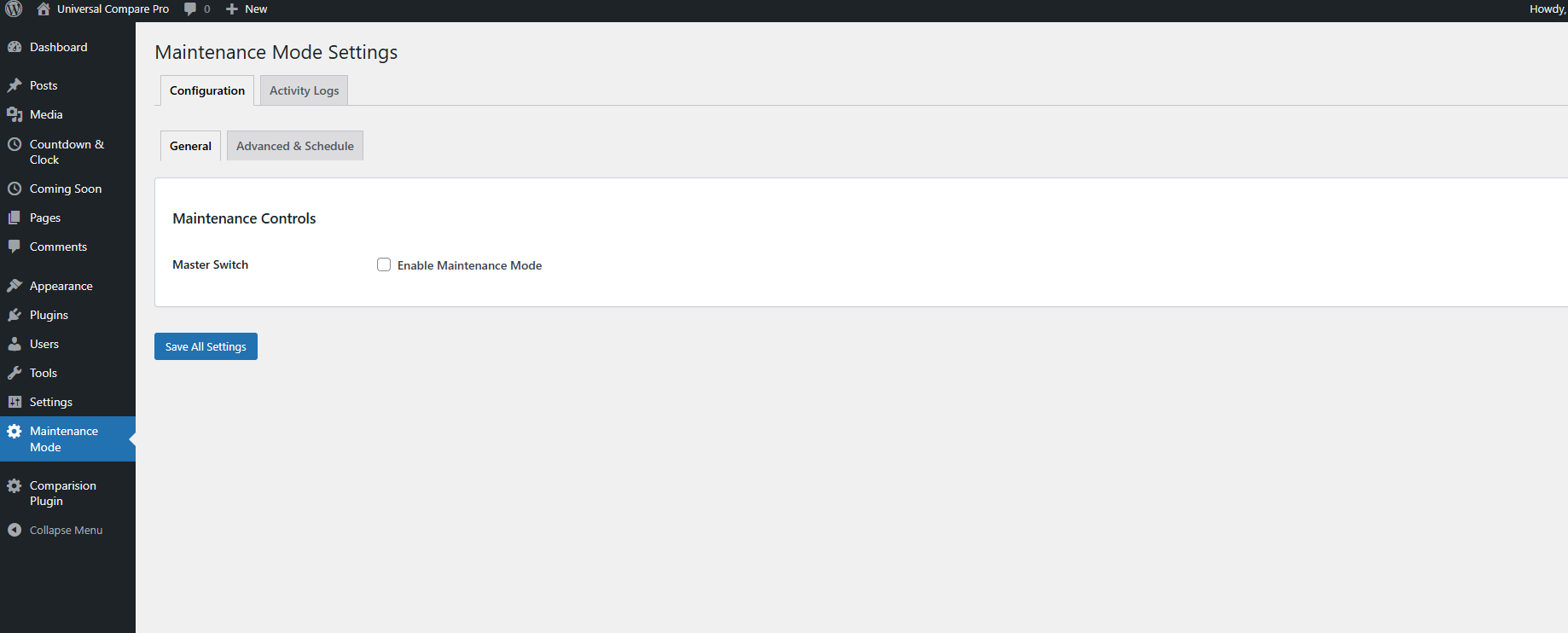
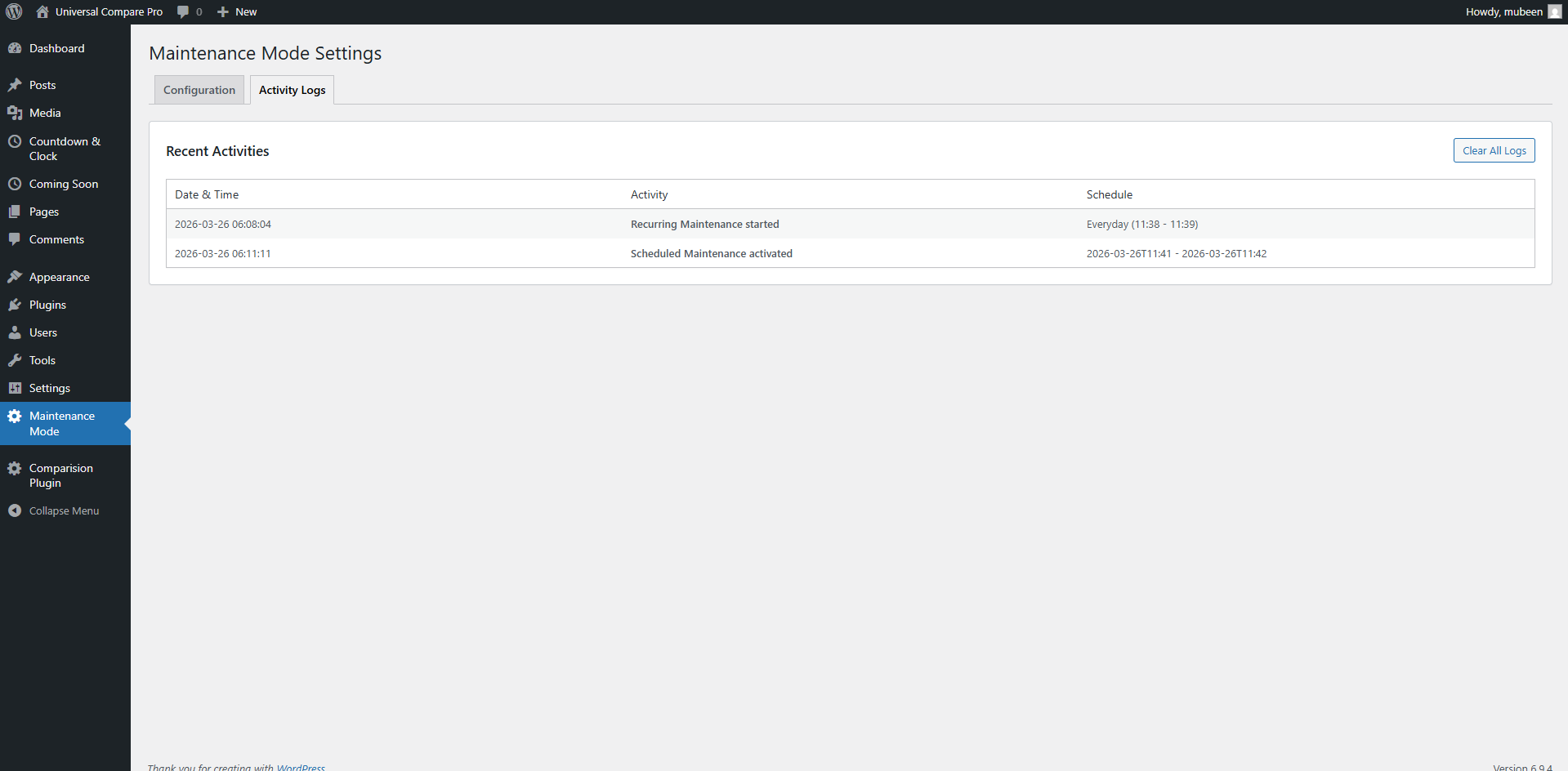
Settings panel in admin 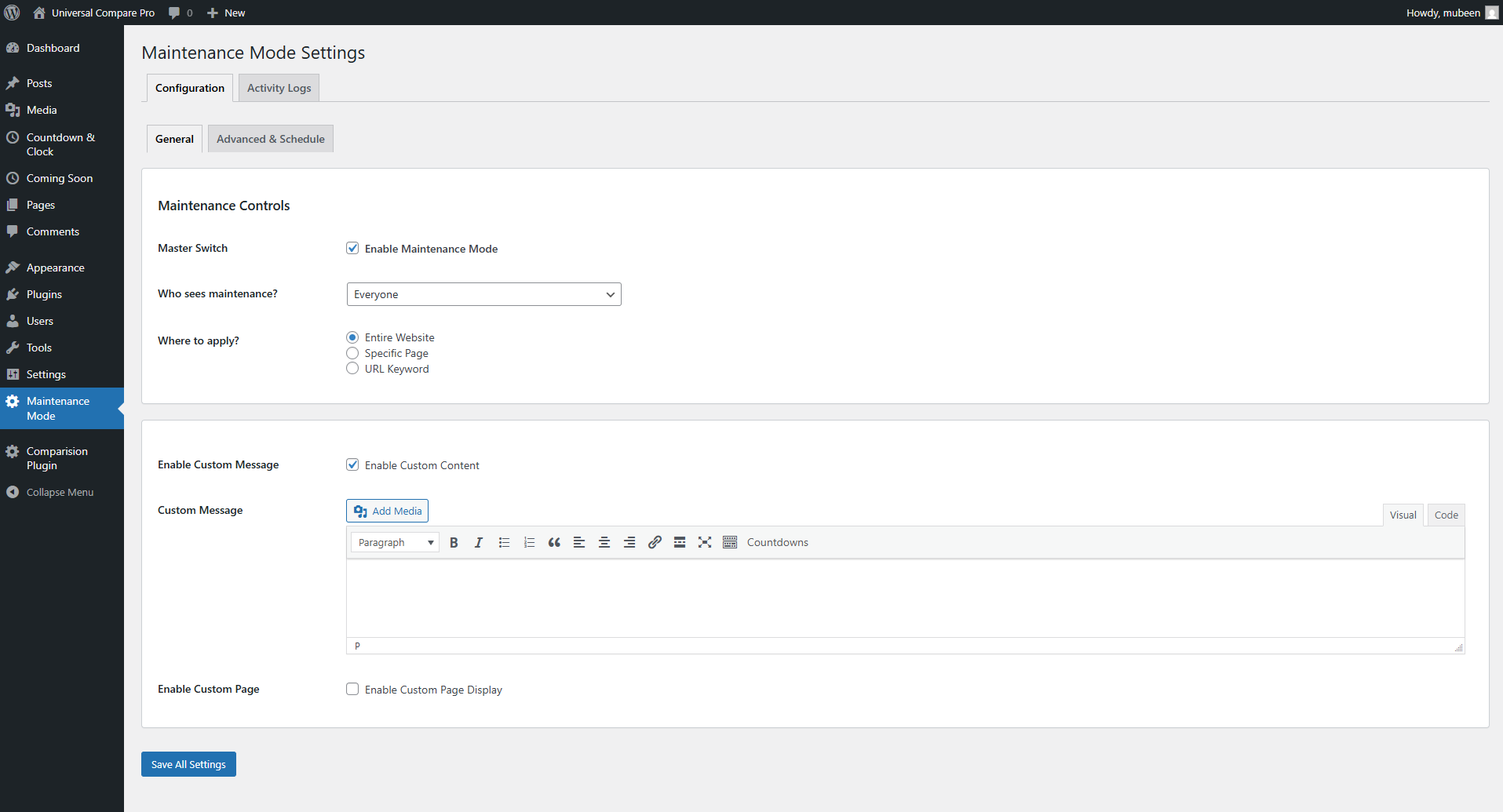
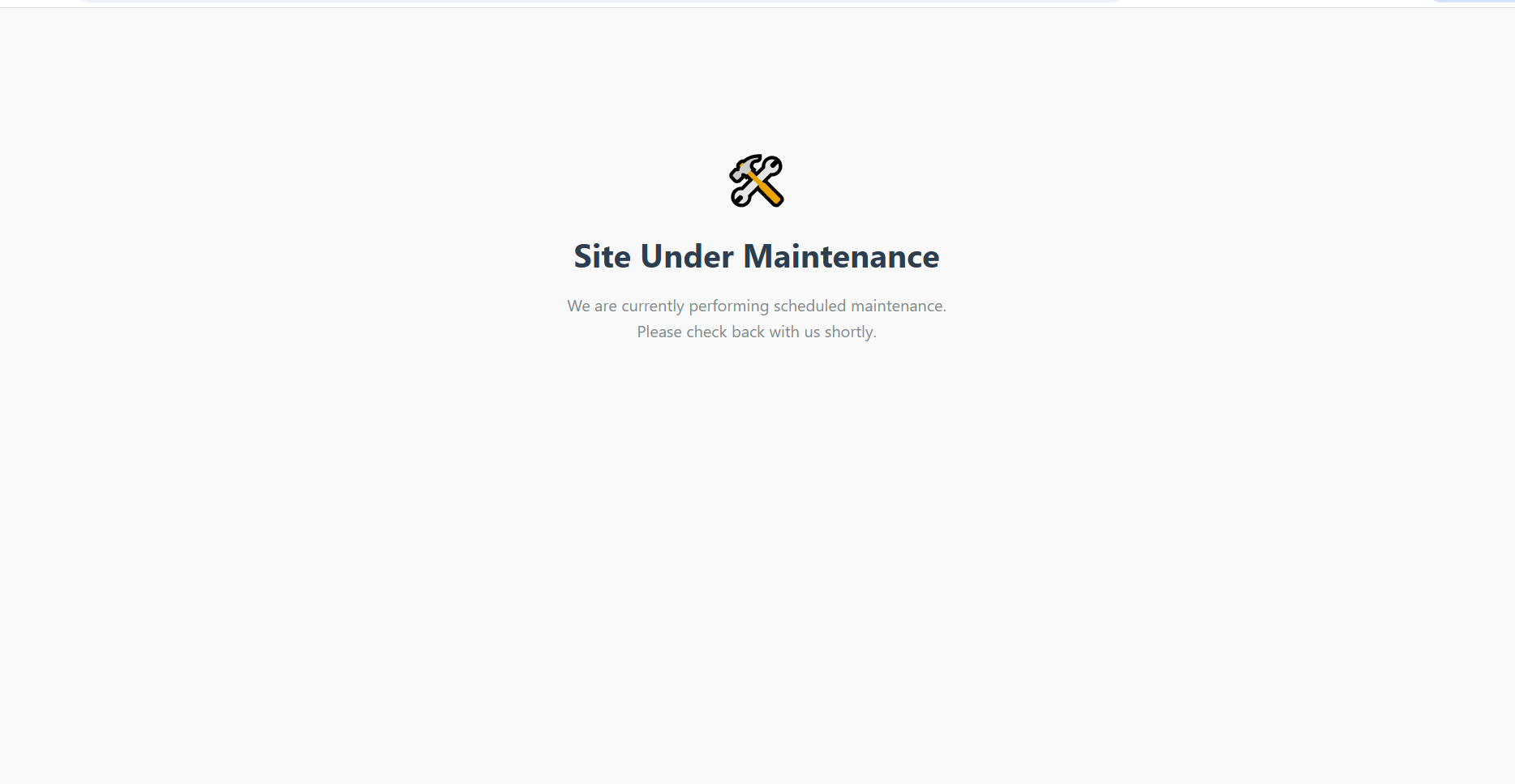
Maintenance mode page preview 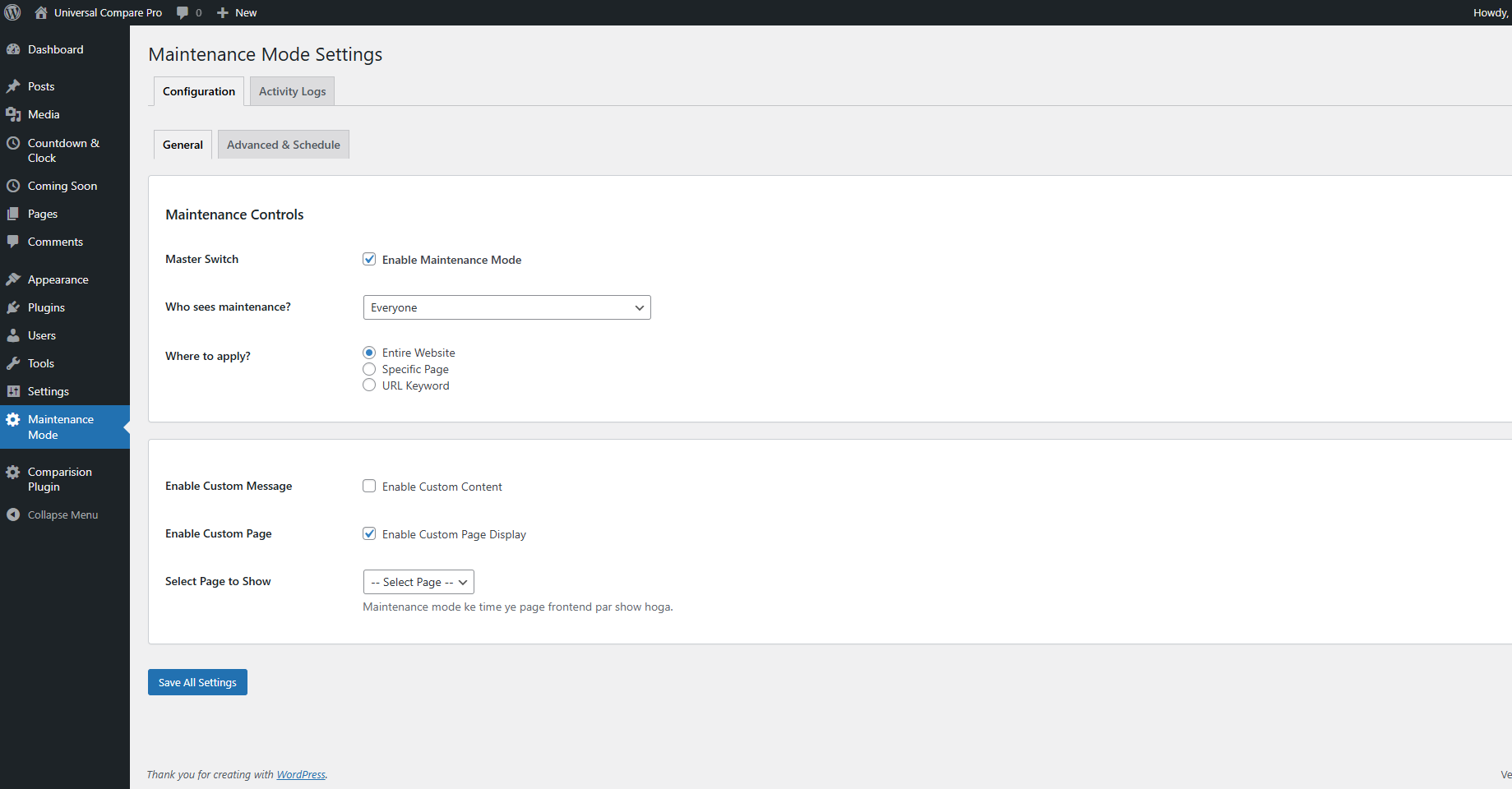
Scheduling options interface 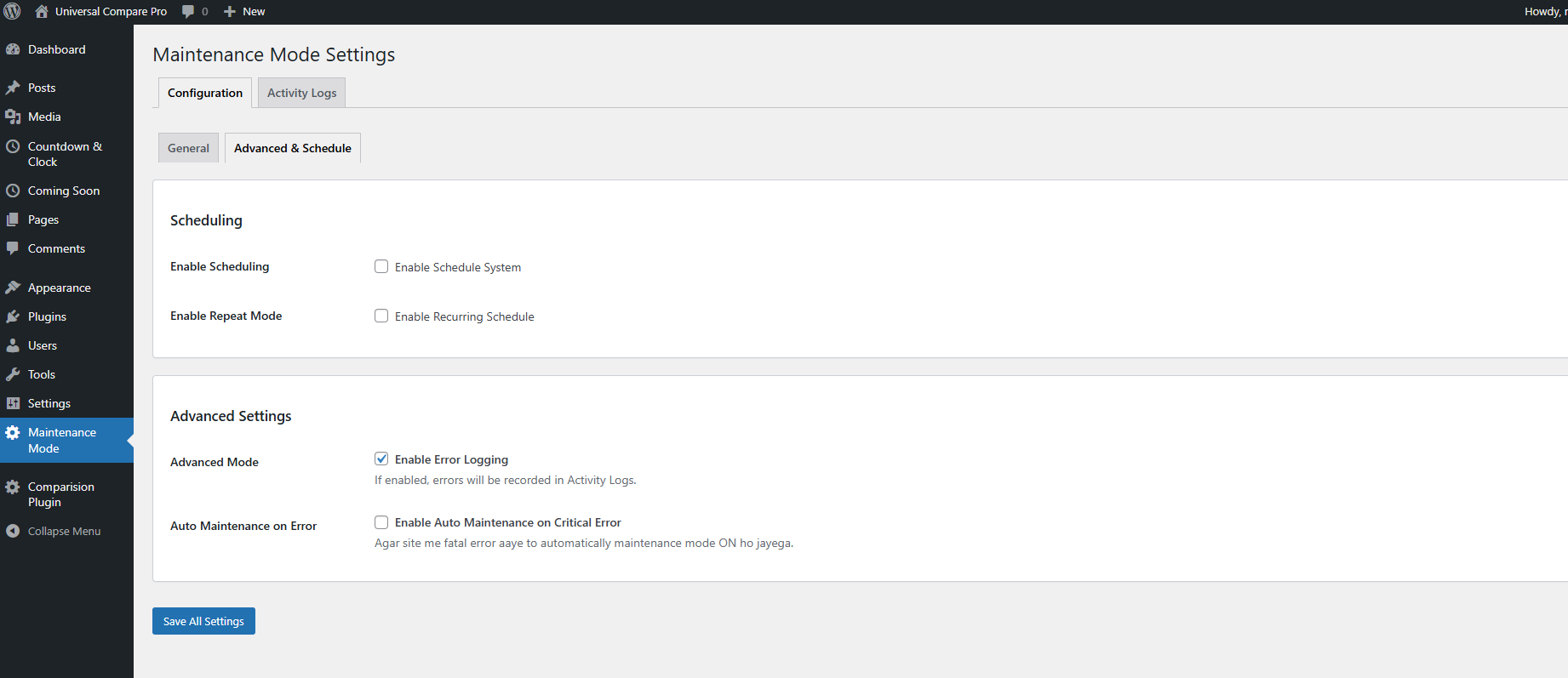
安装
- Upload the plugin ZIP via Plugins > Add New > Upload Plugin
- Activate the plugin through the ‘Plugins’ menu
- Navigate to Settings > Dynamic Maintenance Mode to configure options
常见问题
-
Can I show a custom page during maintenance?
-
Yes, you can choose any published page to display as your maintenance page.
-
Will administrators be able to access the site during maintenance?
-
Yes, if you select the “Guests only” option.
-
How does the scheduling work?
-
The plugin checks your set start and end time and enables/disables maintenance mode automatically.
评价
此插件暂无评价。
贡献者及开发者


更新日志
2.0.0
- Initial release
- Maintenance mode toggle
- Custom redirect page
- Schedule start and end time
- Role-based access control