

描述
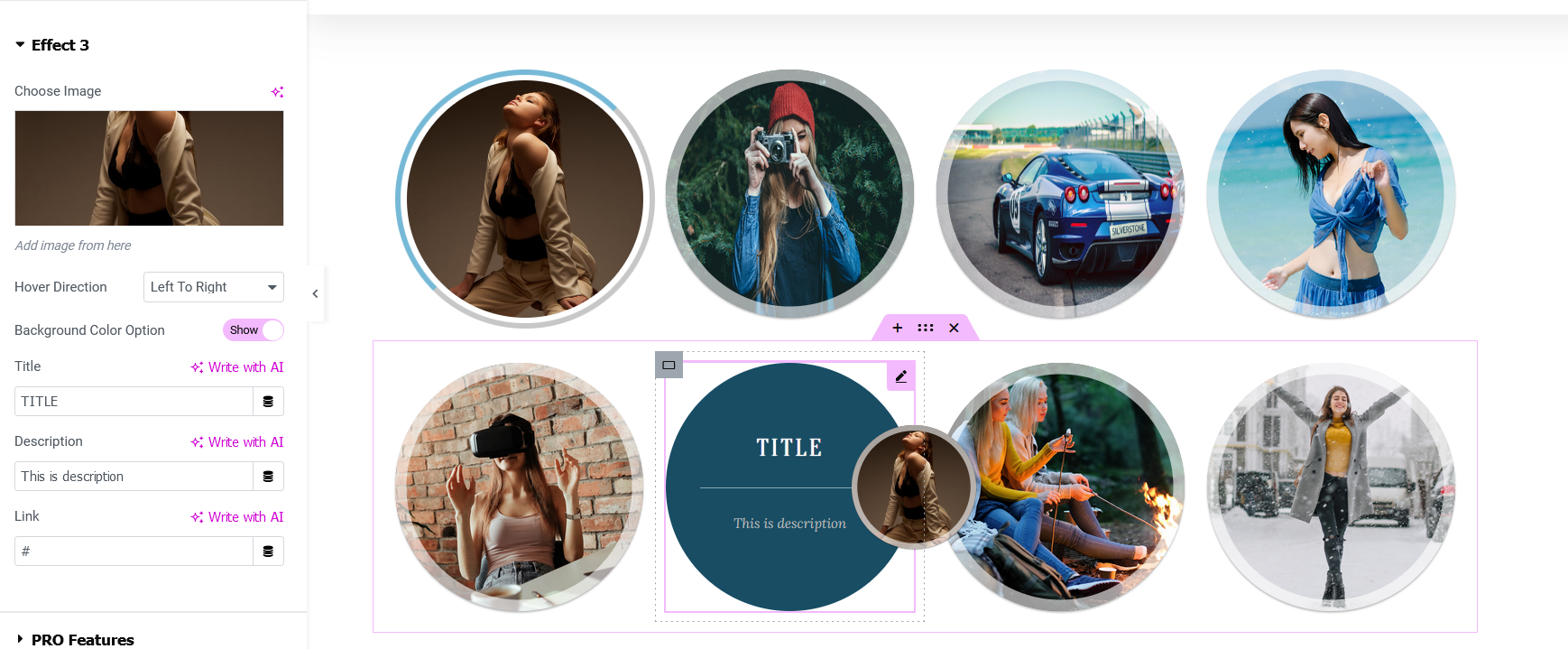
Hover Effects Addon for Elementor Page Builder is the best customized hover effects for your image.
Add title and description to your image.
Note: This plugin requires Elementor Website Builder.
Features
- Clean CSS3 Effects
- Fully Responsive
- 10 Hover Effects
- Image Uploads
- Fast performance
- Easy to Use
- Both transition support left_to_right, right_to_left, top_to_bottom and bottom_to_top.
PRO Features
- Hower Effects with Icons
- 20 Premium Hover Effects
- 100% Responsive
- Custom Font Sizes
- Custom Font Family
- Custom Caption Colors
- Heading Background Colors
- Caption Background Colour
- Caption Background Image
- Custom Border Width
- Heading and Description Color
- Custom Border Color
- Title Over Image
- Support
Customizations
Hover Effects for Elementor with CSS3 styles that add stunning.
SEO Friendly
All the Images is SEO Optimized with Alt Image Alt Tag.
Link your image to a specified URL.
Where it can be used
On All The WordPress websites that supports Elementor!
屏幕截图

安装
- Upload the plugin and activate it (alternatively, install through the WP admin console)
- Edit any page/post using edit with elementor option
- On elementor widget menu, search/scroll and find the Hover effects addons
- Drag and drop this addon, where you have to add the section
- Customize the options and add the content
- Hurray! in a minute you have added the Image Hover Section
常见问题
-
Can I upgrade this to pro version?
-
Yes, but you need to remove or deactivate the free plugin after version
评价
此插件暂无评价。
贡献者及开发者

更新日志
1.0
- Initial version
= 1.0 1=
* Fixed Noticed Issue
= 1.0 2=
* Change Texted Up