

描述
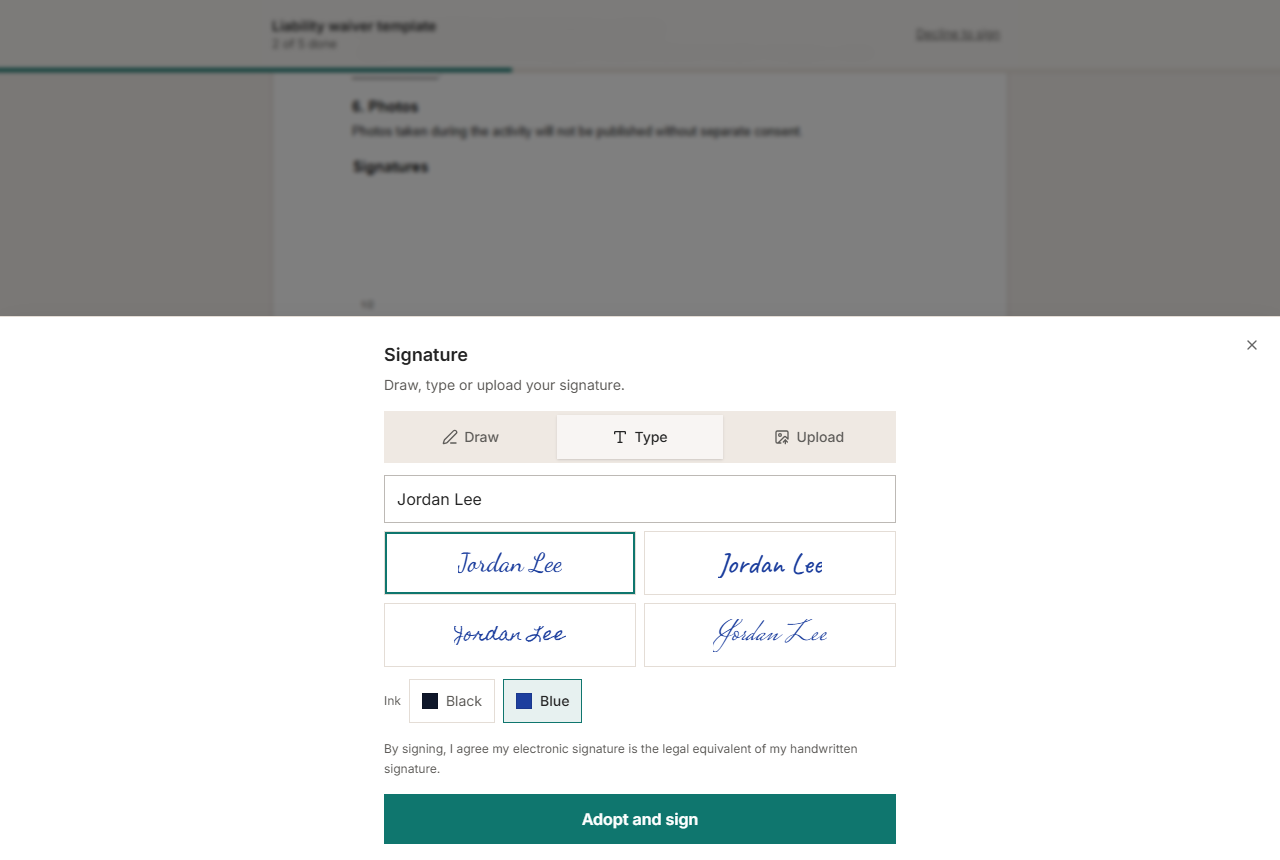
Salsox for WordPress connects your site to your Salsox account. Put a form on any page, and when a visitor enters their name and email, Salsox sends them your document to read and sign online. You follow every request in Salsox, and on Settings > Salsox in WordPress.
What a form can send
- A template from the Salsox library, such as a liability waiver, a photo release or a consent form, with your own details filled in.
- One of your saved templates in Salsox.
- A PDF from your Media Library. Salsox adds a signature and a date for the visitor.
The visitor is the signer; you are filled in as the sender.
Two ways to add the form
- The Request a signature block, in the block editor. Pick the document and the wording in the block’s sidebar; the editor shows the form as it will appear.
- The
[salsox_sign]shortcode, anywhere shortcodes work.
Built to be safe on a public page
Every request sends a real document from your account and counts toward your Salsox plan, so the plugin protects the form:
- The document a form sends is fixed by you and signed with your site’s keys. A visitor cannot change it.
- An hourly limit per visitor and per email address, and a daily limit for the whole site, both adjustable.
- An optional setting to accept requests only from logged-in visitors.
- A hidden field that catches automated submissions.
Your API key is stored on your server and used only from your server. It is never sent to a visitor’s browser, and it is not shown again once saved.
Responsive and accessible
The form fits phones from 320 pixels wide, works with the keyboard and screen readers, works without JavaScript, and respects reduced-motion settings.
External services
This plugin connects to the Salsox API (https://salsox.com/api/v1), which is needed to send documents for signature. It makes no other outgoing requests and includes no tracking or analytics.
It sends data to Salsox only in these cases:
- When you save an API key or click Test connection on Settings > Salsox: your API key, to check it and read your account’s name, email and plan.
- When you open Settings > Salsox or the block’s sidebar: your API key, to list your templates and, if there are requests in the log, the status of your recent documents.
- When a visitor submits a form: the visitor’s name and email address, and the document you chose (a template name, a saved template’s ID, or the public link to your PDF), so Salsox can send them the document.
- When you click Disconnect: your API key, so Salsox revokes it.
Salsox is provided by Salsox: Terms of service, Privacy policy.
屏幕截图




区块
该插件提供了 1 个区块.
- Request a signature A form where visitors enter their name and email and receive your document to sign with Salsox.
安装
- In WordPress, go to Plugins > Add New > Upload Plugin, choose
salsox.zipand click Install Now, then Activate. - In Salsox, open the Developers page and create an API key.
- In WordPress, go to Settings > Salsox, paste the key and click Save settings. The plugin tests the connection and shows the account it is connected to.
- Choose the default document the forms send.
- Add the Request a signature block, or the
[salsox_sign]shortcode, to a page.
常见问题
-
Do I need a Salsox account?
-
Yes. The documents are sent from your Salsox account, and count toward its plan. You can create an account at salsox.com.
-
Can visitors sign on my page without leaving it?
-
Not yet. Salsox emails the visitor a private link to sign, which keeps the signature tied to their email address. The Salsox API does not offer signing embedded in another site.
-
Why does my PDF not send?
-
Salsox downloads the PDF from your site, so the site must be public and use HTTPS, and the file must be 4 MB or smaller. A site on a local computer or behind a password cannot be reached; use a template instead.
-
Which templates can I use?
-
Templates with exactly one signer besides you, as the form sends to one person. The template lists only those.
-
How do I fill in a template’s details?
-
In the block’s sidebar, under Template values, write one per line, as Name=Value, for example
Activity=Guided kayak tour. In the shortcode, separate them with a vertical bar:[salsox_sign template="liability-waiver" values="Activity=Guided kayak tour|Activity date=12 June"].Write
{name}or{email}in a value to use what the visitor enters, for exampleParticipant name={name}. -
What shortcode options are there?
-
template: a Salsox library template’s slug.saved_template: the ID of one of your saved templates.pdf: the ID of a PDF in your Media Library.values: template details, as Name=Value separated by|.title: the document’s title.message: the message in the email.heading,description,button: the form’s wording.
Without
template,saved_templateorpdf, the form sends the default document from Settings > Salsox. -
What does the plugin store?
-
Your API key and settings, a log of the last 50 requests (the visitor’s name, email address, the document and the time), and a small table of limit counters, which hold only hashed visitor and email identifiers and expire within a day. Deleting the plugin removes all of it.
-
What happens when I click Disconnect?
-
The plugin asks Salsox to revoke the API key, then removes it from your site. The forms stop sending until you connect again.
评价
此插件暂无评价。
贡献者及开发者

更新日志
1.0.1
- Fixed: simultaneous submissions could get past the hourly and daily limits. The counters are now raised in one atomic step (in the object cache when the site has a persistent one, otherwise in a small table of the plugin’s own), and checked after counting.
- Fixed: with the block or shortcode on a page, logged-in visitors could not send the form without a page reload, so “Only logged-in visitors” forms failed.
- The note under the form names Salsox without linking to it.
1.0.0
- First release: settings page with connection test, Request a signature block and
[salsox_sign]shortcode, request log with signing status. - The plugin header names the author’s site only (no separate plugin URI), as WordPress.org requires the two to differ.
- A rejected API key is reported in plain words on Settings > Salsox.