
描述
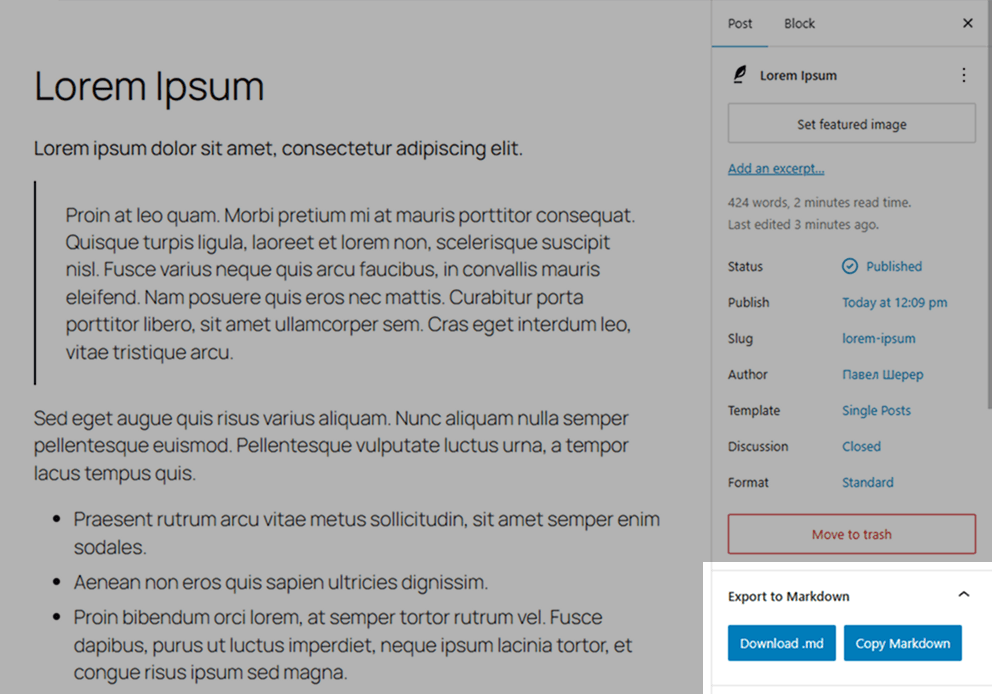
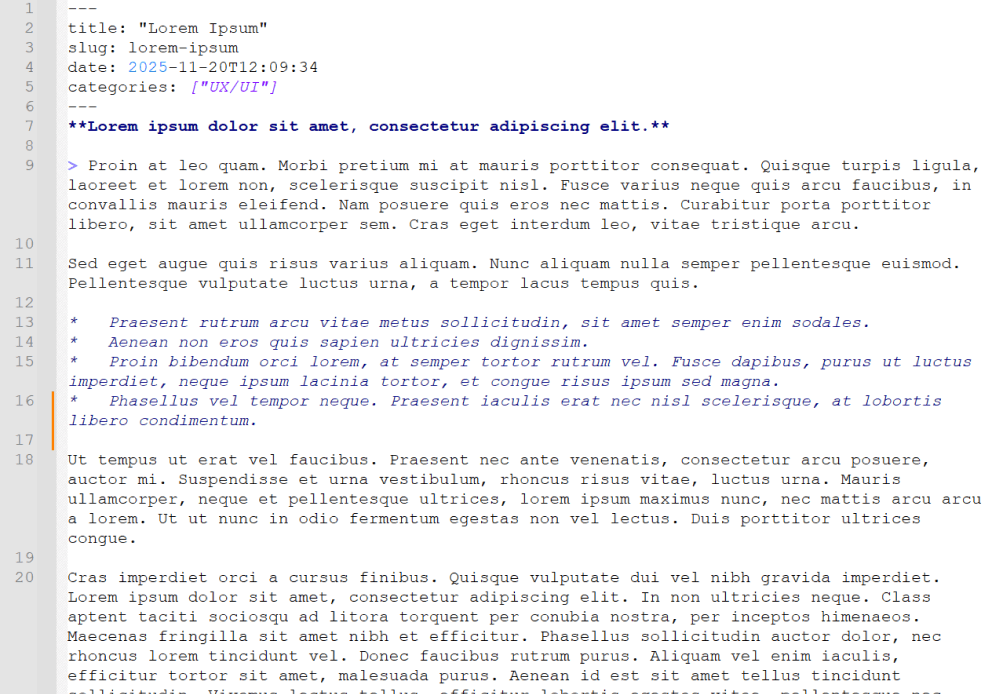
Simple Export to Markdown adds a small panel inside the WordPress block editor. With one click, editors can download the current post or page as a .md file or copy the generated Markdown to the clipboard.
The plugin uses the bundled Turndown library to convert serialized Gutenberg blocks in the browser. It does not create server-side export files, make external API calls, add REST/AJAX endpoints, or store exported content.
Features
- Export Gutenberg content directly to Markdown.
- Download
.mdfiles or copy Markdown to the clipboard. - Auto-generated YAML front matter for
title,slug,date,categories, andtags. - Uses the edited post state, including unsaved title, slug, date, category, tag, and block changes.
- Loads only in the block editor for users with
edit_posts. - PHP and JavaScript translations are loaded from the plugin language files.
Requirements
- WordPress 6.0 or newer.
- PHP 7.4 or newer.
- Active Gutenberg/block editor.
License
This plugin is open-source software licensed under the GPLv2 or later.
屏幕截图
安装
- Upload the plugin folder to
/wp-content/plugins/, or install it through the WordPress Plugins screen. - Activate the plugin through the “Plugins” menu in WordPress.
- Open any post or page in the block editor.
- Find the Export to Markdown panel in the editor sidebar.
- Click Download .md or Copy Markdown.
常见问题
-
Does this work in the Classic Editor?
-
No. The plugin is designed for the WordPress block editor.
-
Does it save files on the server?
-
No. Conversion, download, and clipboard copy happen locally in the browser.
-
Can it export custom blocks?
-
Custom blocks are serialized by WordPress before Turndown converts the resulting HTML to Markdown.
-
Why are the JavaScript translation files named with the script handle?
-
PHP translations use
simple-export-md-{locale}.mo. JavaScript translations use thesimple-export-md-{locale}-simple-export-md.jsonpattern so translations work for both the source and minified editor scripts. -
How should release builds be verified?
-
Run
npm ci,npm run build,npm test,npm audit --audit-level=low, andphp -l simple-export-md.php. The minified editor script should only be committed as the Terser output fromnpm run build.
评价


贡献者及开发者

更新日志
0.1.3
- Hardened editor asset loading.
- Fixed JavaScript translation file names.
- Improved Markdown export reliability and filename sanitization.